What Is GD&T?
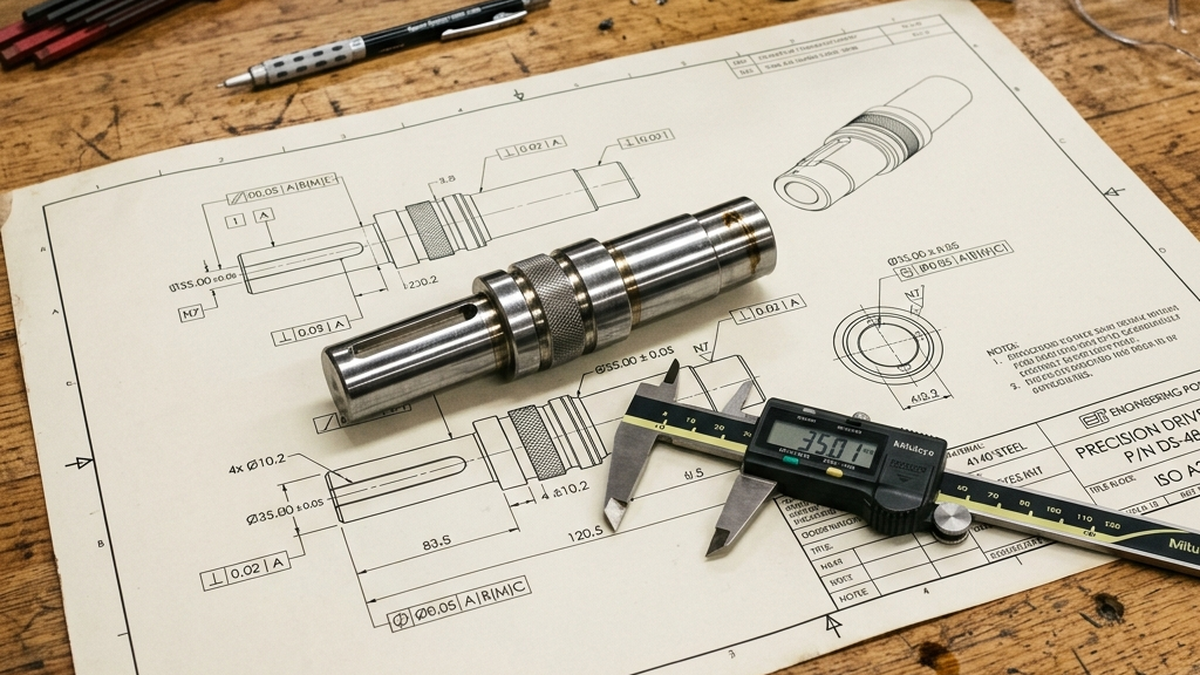
GD&T stands for Geometric Dimensioning and Tolerancing. It is a language of symbols used on engineering drawings. These symbols describe how a part's features relate to each other. For a quick-lookup chart of every symbol, see our GD&T reference guide.
Regular dimensions tell you size. GD&T tells you shape, orientation and location. It answers questions like: How flat does this surface need to be? How centered is this hole? How square is this face to the datum?
GD&T is not about making parts harder to inspect. It is about making sure parts actually fit and work when assembled.
Common GD&T Symbols Explained
There are 14 GD&T symbols total. But you only need to know about 6-8 for most CNC parts. Here are the ones you will see most often.
| Symbol | Name | Controls | Common Use |
|---|---|---|---|
| ▱ | Flatness | Form | Sealing surfaces, mounting faces |
| ◯ | Circularity | Form | Bearing bores, shafts |
| ⊥ | Perpendicularity | Orientation | Walls square to a base |
| ∥ | Parallelism | Orientation | Two faces that must stay parallel |
| ⊕ | Position | Location | Hole patterns, pin locations |
| → | Runout | Runout | Rotating parts, shafts |
Position (True Position)
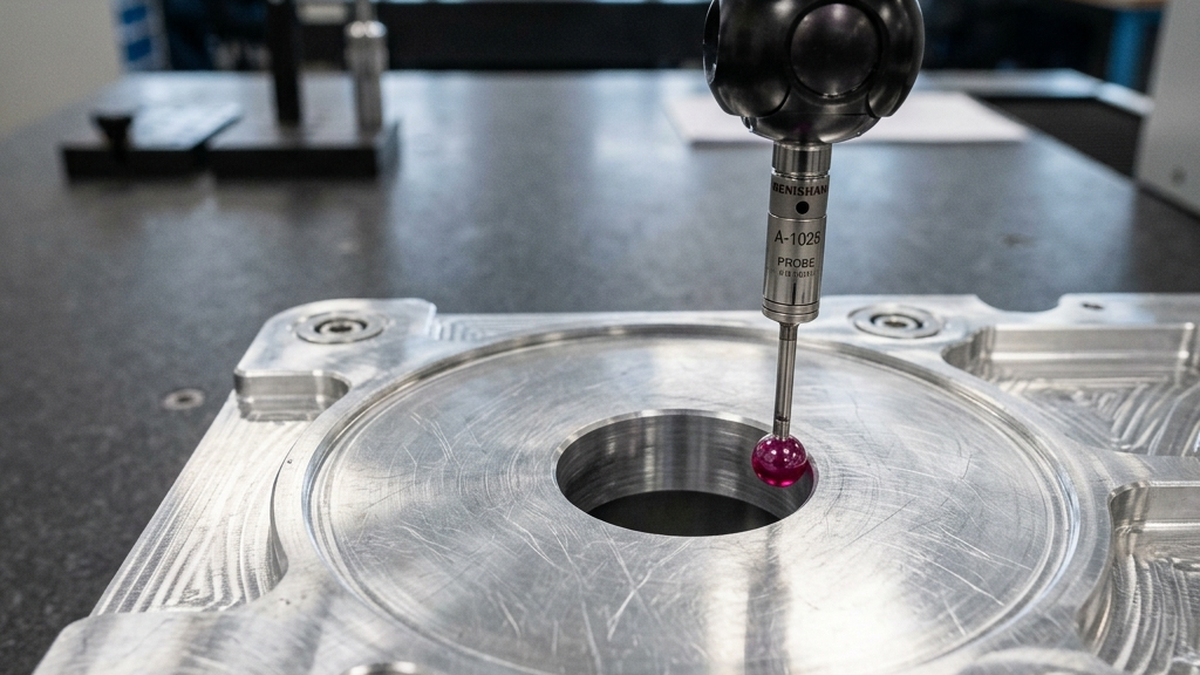
Position is the most used GD&T symbol. It controls where a feature is located relative to a datum. Think of bolt hole patterns. Each hole needs to be in the right spot so bolts line up.
Position uses a circular tolerance zone. This gives you 57% more tolerance than a square zone from linear dimensions. Same fit, more room for the machinist. That means lower cost.
Flatness
Flatness controls how flat a surface is. No datum needed. The entire surface must fit between two parallel planes. Use it on sealing faces, mounting surfaces and reference planes.
Perpendicularity
Perpendicularity makes sure a surface or axis is square to a datum. Use it when a wall or bore must be exactly 90 degrees to a base surface.
GD&T vs Linear Tolerances
Linear tolerances use plus-minus values. They are simple and work well for basic dimensions. But they have limits.
| Feature | Linear Tolerance | GD&T |
|---|---|---|
| Tolerance zone shape | Square | Circular (57% more area) |
| Datum references | Not explicit | Clearly defined |
| Form control | Not controlled | Controlled (flatness, etc.) |
| Inspection clarity | Can be ambiguous | Clear and repeatable |
| Learning curve | Easy | Moderate |
For simple parts with no critical fits, skip GD&T. Use linear tolerances and a general note like "all angles 90 degrees plus or minus 0.5 degrees." Save GD&T for parts where assembly fit really matters.
When to Use GD&T
Use GD&T when these conditions apply to your part.
- Bolt hole patterns, Position tolerance ensures holes line up with mating parts
- Sealing surfaces, Flatness controls keep O-ring grooves and gasket faces working
- Bearing bores, Circularity and cylindricity keep bearings running smooth
- Stacked assemblies, Perpendicularity and parallelism prevent tolerance stack-up
- Rotating parts, Runout keeps shafts and rotors balanced
Do not use GD&T on cosmetic surfaces, non-critical holes, or features that do not mate with anything. Over-specifying adds cost with no benefit.
Common GD&T Mistakes
1. Applying GD&T to Every Feature
This is the most expensive mistake. Every GD&T callout adds inspection time. A CMM operator must measure each one. Only apply GD&T where function demands it.
2. Missing or Wrong Datums
Datums are the reference points for GD&T measurements. Wrong datums mean the part gets measured from the wrong surface. This causes good parts to fail inspection and bad parts to pass.
3. Tolerances Tighter Than Needed
A position tolerance of 0.005" is 5x harder to hold than 0.025". Ask yourself: does this hole really need to be within 5 thousandths? Or will 25 thousandths work just fine?
If your drawing has GD&T callouts but no datums defined, the shop cannot measure the part correctly. Always define datum A, B and C before adding any GD&T symbols.
4. Conflicting Tolerances
Sometimes the linear tolerance and the GD&T callout fight each other. For example, a hole position tolerance of 0.010" with a linear location tolerance of plus or minus 0.002". Which one does the shop follow? Make sure they agree.
How GD&T Affects Cost
GD&T can save money or cost money. It depends on how you use it.
| Scenario | Cost Effect | Why |
|---|---|---|
| Position instead of linear for holes | Saves 10-20% | Larger circular tolerance zone |
| GD&T on every feature | Adds 30-50% | CMM inspection time doubles |
| Flatness on sealing surface | Adds 5-10% | Extra finishing pass needed |
| Tight runout on shaft | Adds 20-40% | Grinding or extra turning passes |
The bottom line: use GD&T where it makes parts fit better. Skip it everywhere else. If you are not sure, ask your CNC shop. A good shop will tell you what you actually need.
For more on how design choices affect cost, read our complete DFM guide.
Frequently Asked Questions
What is GD&T?
GD&T is a system of symbols on engineering drawings. It controls form, orientation, location and runout of part features. It goes beyond simple plus-minus dimensions.
When should I use GD&T instead of linear tolerances?
Use GD&T when parts must fit together, when hole patterns must align, or when surface flatness matters for sealing. For simple parts, linear tolerances are usually enough.
Does GD&T make CNC parts more expensive?
It depends. Position tolerance actually gives more room than linear tolerances for hole locations. But adding GD&T to every feature increases inspection time and cost.
What are the most common GD&T symbols?
Position, flatness, perpendicularity and parallelism. These four cover about 80% of typical GD&T callouts on CNC parts.
What is the biggest GD&T mistake buyers make?
Applying GD&T to every feature. Only use it where form, orientation, or location is critical for function or assembly.