What Is a Bill of Materials?
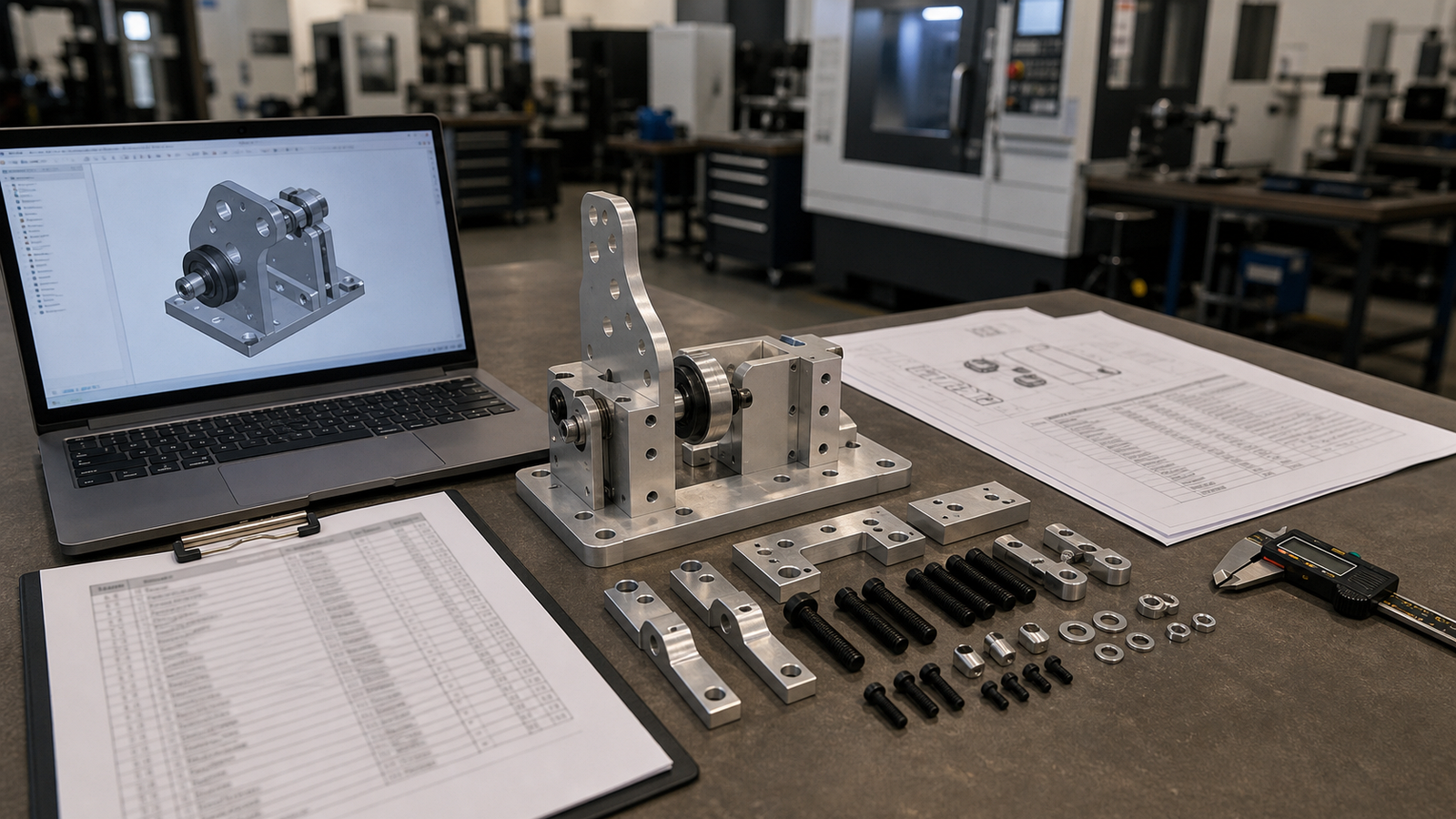
A bill of materials (BOM) is a complete list of every part, material, fastener and instruction needed to build a product. Think of it as a recipe for manufacturing. It tells your machine shop exactly what to make, how many of each piece, what material to use and how the pieces fit together.
Without a BOM, a factory is guessing. Parts arrive in the wrong material. Fasteners are missing. Revision A gets built instead of Revision C. A good BOM prevents all of this. It is the single most important document in manufacturing.
Every product, from a simple CNC bracket to a full robotic arm, needs a BOM. The size and detail vary, but the purpose is always the same: give the builder one clear source of truth.
Types of BOMs
There are three main types of BOMs. Each serves a different audience.
Engineering BOM (EBOM)
The EBOM lists parts by how the product was designed. It follows the CAD assembly tree. Each sub-assembly has its own branch with child parts underneath. Engineers create the EBOM during the design phase. It is the blueprint for what the product contains.
Manufacturing BOM (MBOM)
The MBOM lists parts by how the product is built on the factory floor. It adds process steps, work instructions, jigs, fixtures and packaging. The MBOM may group parts differently than the EBOM because the build order does not always match the design order.
Sales BOM
The Sales BOM shows the product as the customer sees it. It lists the main unit plus optional accessories, spare parts and add-on kits. The sales team uses it to configure customer orders and calculate pricing.
Most startups only need an EBOM to get started. Build the MBOM once you move past prototyping and into pilot production (10-50 units).
BOM Structure, What Every Line Item Needs
A good BOM line item has these fields:
- Item Number: A sequential number (1, 2, 3) or indented level (1.0, 1.1, 1.2) for sub-assemblies
- Part Number: A unique identifier like RV-BRK-001 Rev B
- Description: A plain-English name like "Motor Mount Bracket"
- Quantity: How many per assembly (e.g., 4)
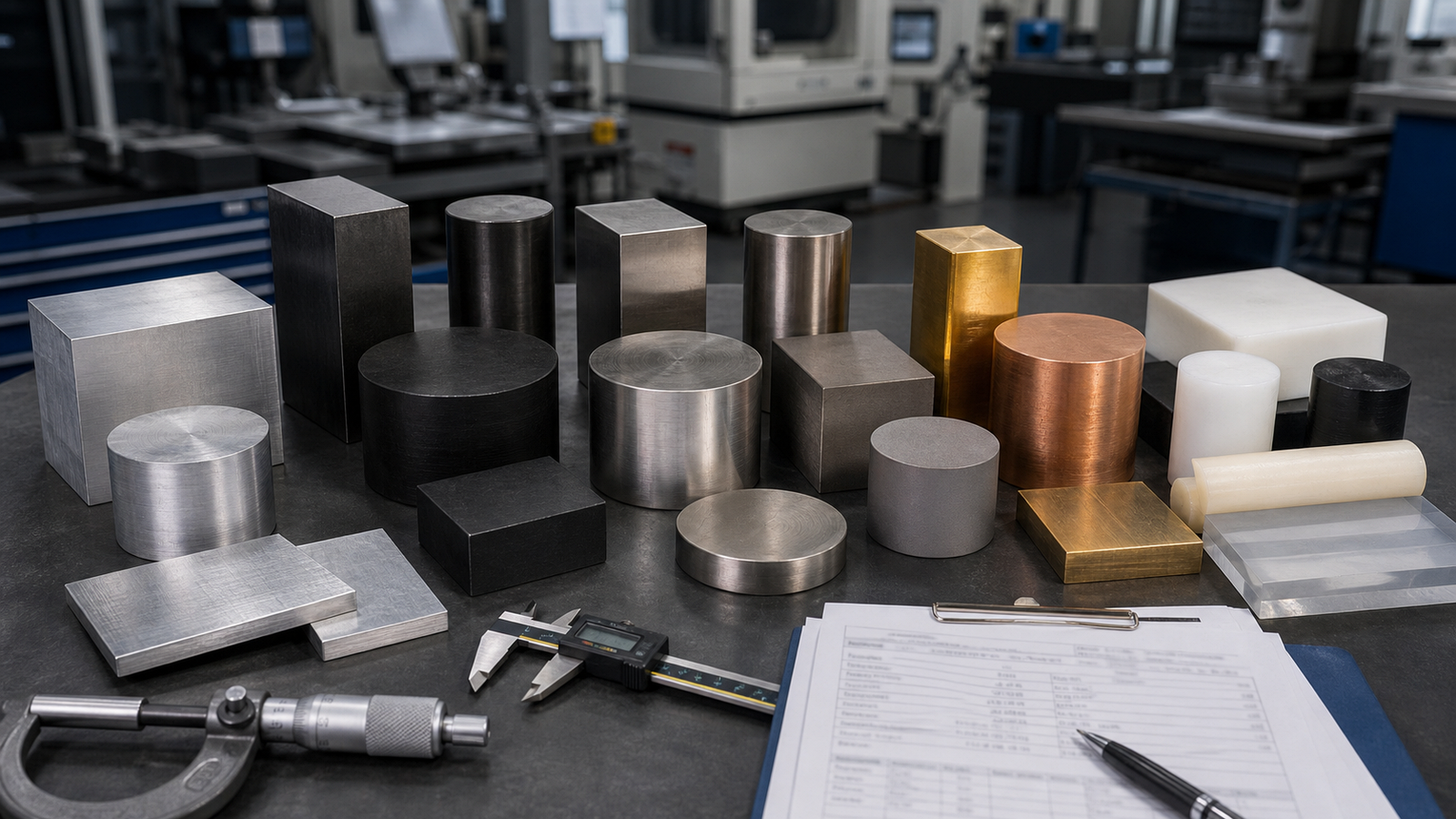
- Material: The specific grade, like Aluminum 6061-T6 or Stainless Steel 303
- Tolerance Class: General tolerance (±0.005 inch) or reference to a drawing
- Surface Finish: As-machined 63 Ra, anodized Type II, powder coated, etc.
- Unit of Measure: Each (EA), inch, foot, pound
- Source: CNC machined (custom), off-the-shelf (COTS), or purchased from a supplier
Example BOM, Simple CNC Assembly
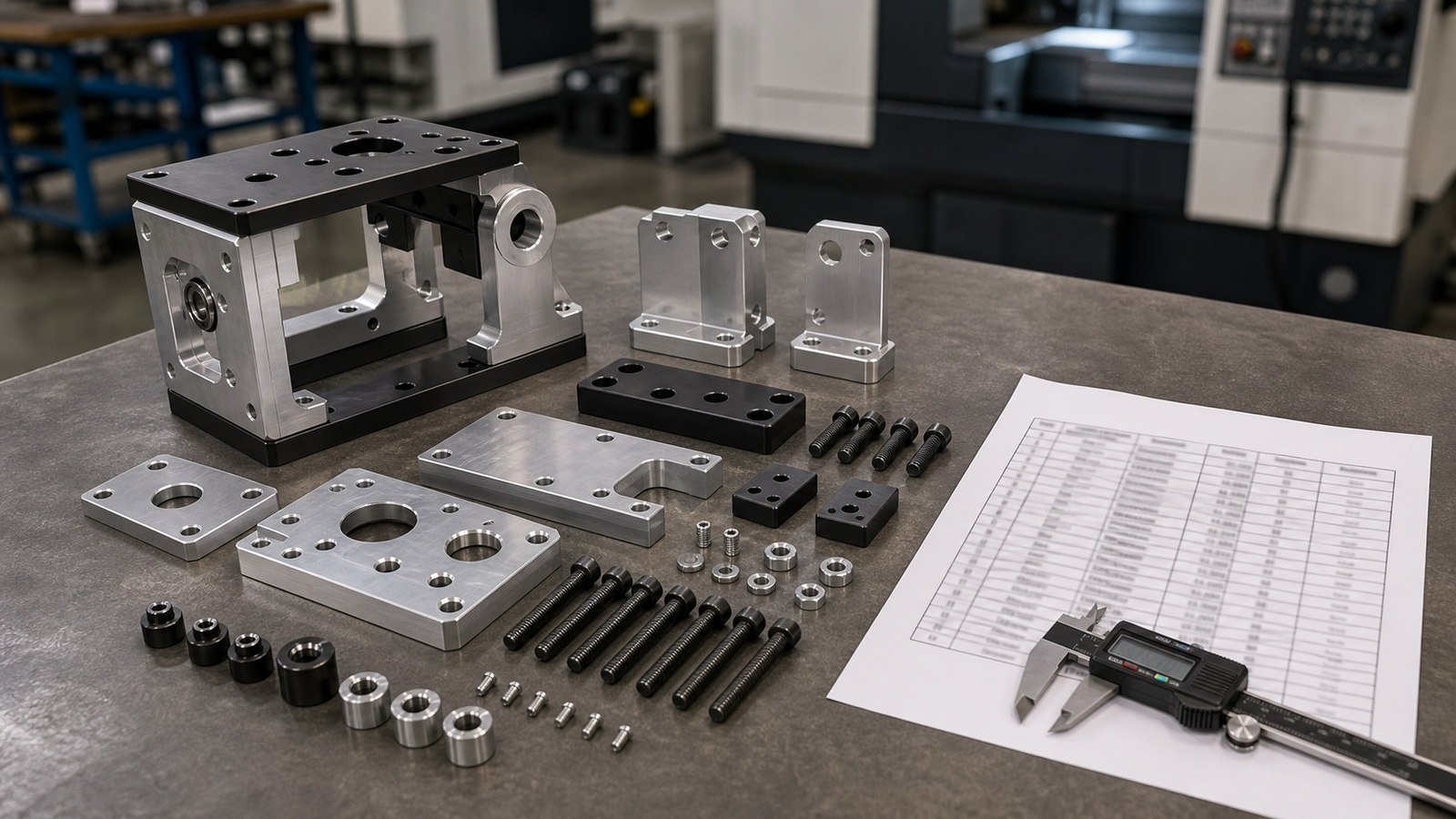
Here is a BOM for a sensor mounting assembly. It has one CNC machined bracket, one CNC machined adapter plate and standard fasteners.
| Item | Part Number | Description | Qty | Material | Finish | Source |
|---|---|---|---|---|---|---|
| 1 | RV-SNS-001 Rev A | Sensor Bracket | 1 | Aluminum 6061-T6 | Anodized Type II Black | CNC Machined (RivCut) |
| 2 | RV-SNS-002 Rev A | Adapter Plate | 1 | Aluminum 6061-T6 | As-machined 63 Ra | CNC Machined (RivCut) |
| 3 | 92196A110 | M4x10 Socket Head Cap Screw | 4 | 18-8 Stainless Steel | Plain | McMaster-Carr |
| 4 | 93475A230 | M4 Flat Washer | 4 | 18-8 Stainless Steel | Plain | McMaster-Carr |
| 5 | 90576A104 | M4 Hex Nut | 4 | 18-8 Stainless Steel | Plain | McMaster-Carr |
| 6 | 9560K42 | Silicone Gasket, 1mm thick | 1 | Silicone 50A Durometer | N/A | McMaster-Carr |
Best Practices for BOMs
Use Version Control
Every BOM must have a revision number and date. When you change a material, add a part, or update a quantity, increment the revision. Never overwrite the old version, save it as a separate file or record. This way, if something goes wrong, you can trace back to exactly what changed.
Single Source of Truth
There should be only one master BOM. If the engineer has one version, purchasing has another and the shop has a third, things will break. Keep the master BOM in a shared location, a cloud spreadsheet, a PLM system, or a shared drive and lock editing permissions.
Include Tolerances and Finishes
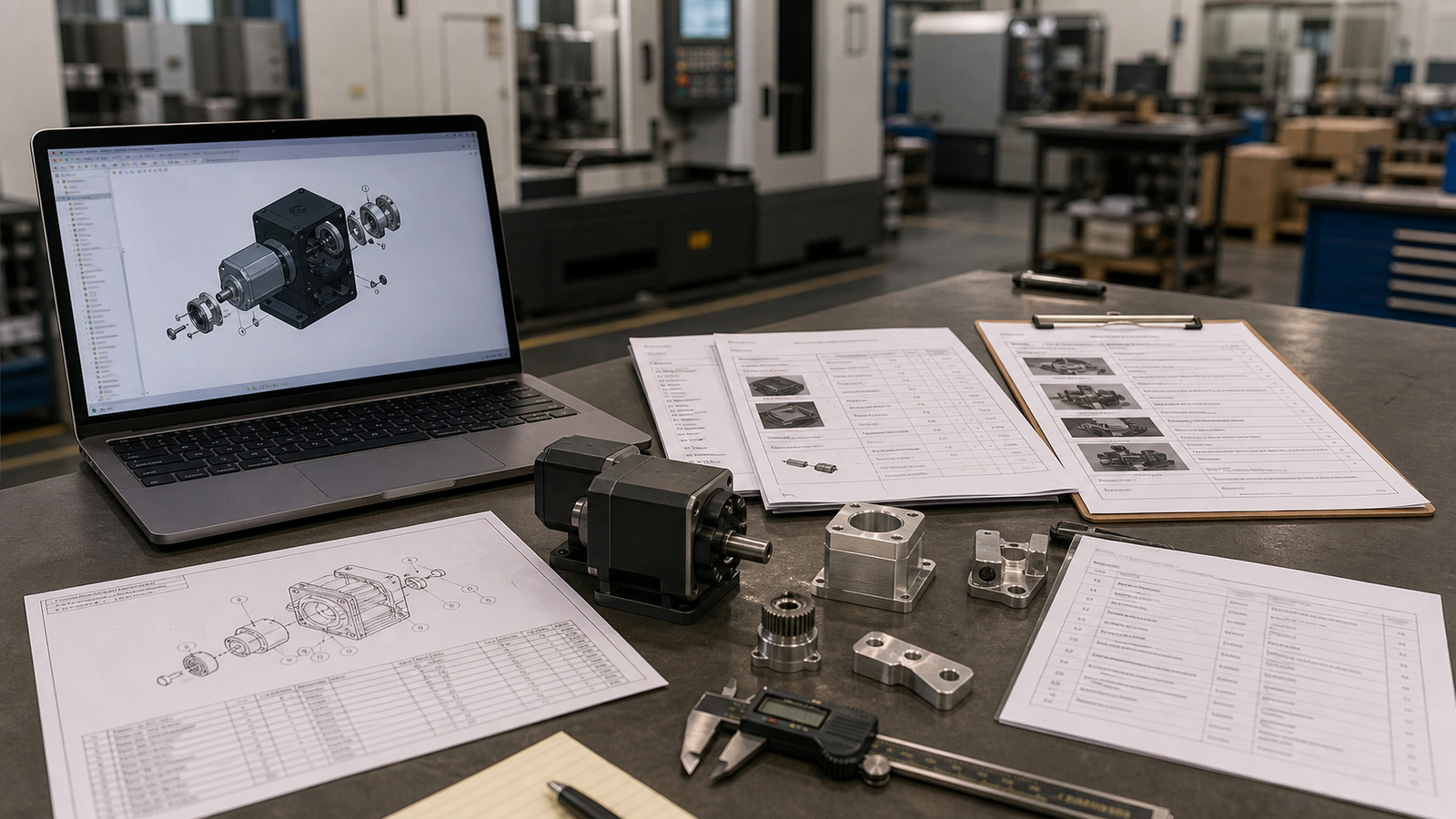
A BOM that says "Aluminum Bracket" is not enough. It must say "Aluminum 6061-T6 Bracket, ±0.005 inch general tolerance, anodized Type II clear." Without this detail, your machine shop will ask questions that delay the quote by days.
List Every Fastener
Every bolt, nut, washer, dowel pin, retaining ring and set screw must be on the BOM. Include the exact size (M4x10), head style (socket head), material (18-8 stainless) and supplier part number. Missing one $0.05 washer can hold up a $10,000 build.
Common BOM Mistakes
- Missing fasteners: The number one mistake. Count every screw in your CAD assembly and verify the BOM matches.
- Wrong material callout: Writing "aluminum" instead of "Aluminum 6061-T6" or "steel" instead of "Stainless Steel 303." Always include the grade.
- No revision tracking: Sending a BOM without a revision letter means the shop has no way to know if it is current.
- Mixing units: Some lines in inches, others in millimeters. Pick one and stick with it. Note the unit system at the top of the document.
- Forgetting purchased items: O-rings, gaskets, labels, adhesives and packaging are often left off. If it goes into or onto the product, it belongs on the BOM.
- No quantities: A BOM line without a quantity forces the shop to guess. Is it 1 per assembly or 4?
How to Send a BOM to a Machine Shop
When you send a BOM to RivCut (or any machine shop), include these items:
- BOM spreadsheet or PDF with all fields filled out
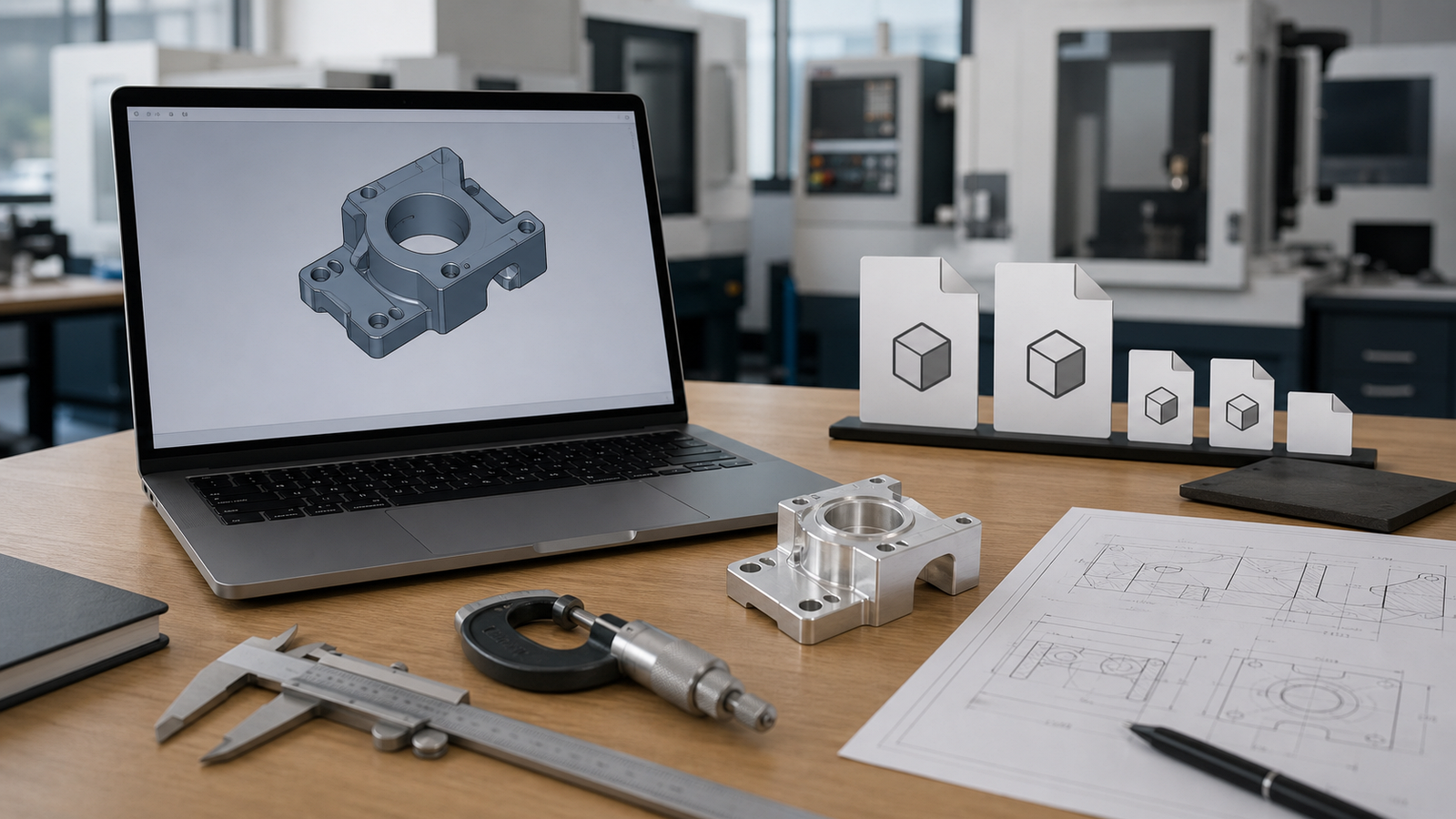
- STEP files for every custom machined part (one STEP per part number)
- 2D drawings (PDF format) for parts with critical dimensions, GD&T callouts, or special notes
- Assembly drawing showing how parts fit together (helps the shop understand context)
- Revision letter and date on every document
RivCut accepts BOMs through our quoting portal or by email at hello@rivcut.com. We review every BOM for completeness before quoting and flag anything that is missing.
Name your files with the part number and revision: RV-SNS-001_RevA.step and RV-SNS-001_RevA.pdf. This prevents mix-ups when you have many parts. See our guide on what to include in your CAD file for a CNC quote.
Spreadsheet vs PLM Software
| Feature | Spreadsheet (Excel/Sheets) | PLM Software (Arena, Onshape) |
|---|---|---|
| Cost | Free to $20/month | $100-$500/user/month |
| Version control | Manual (save copies) | Automatic with full history |
| Collaboration | Basic (shared link) | Role-based access, approvals |
| CAD integration | None | Direct link to 3D models |
| Change orders | Email-based | Built-in ECO workflow |
| Best for | Under 50 unique parts | 50+ parts, multi-team |
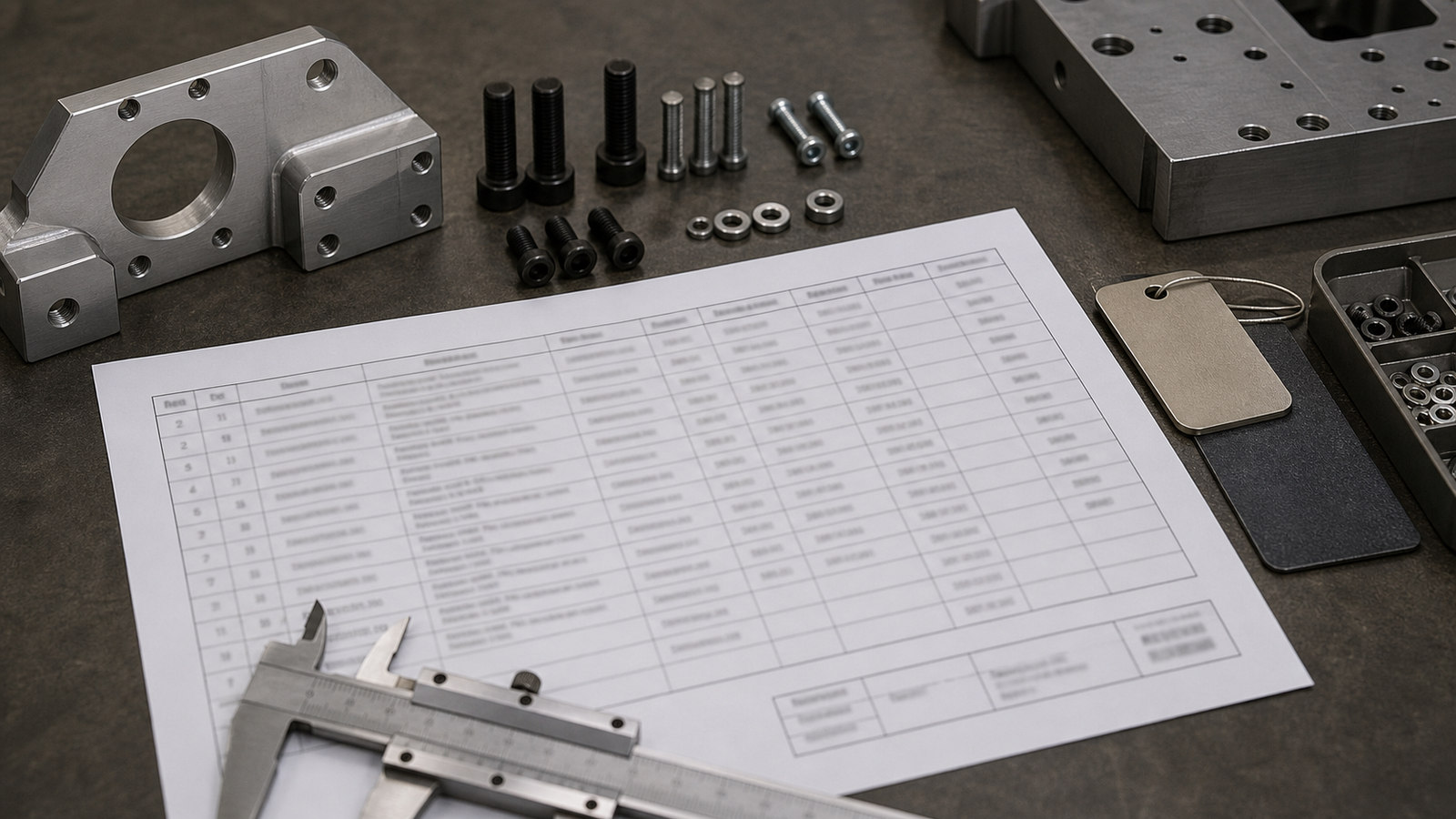
For most startups with fewer than 50 unique parts, a clean Google Sheet works great. Add columns for part number, description, quantity, material, finish and source. Freeze the header row. Use conditional formatting to highlight missing fields. As you grow past 50 parts or add a second engineer, switch to a PLM tool like Arena, Onshape, or SolidWorks PDM.
Frequently Asked Questions
What is a bill of materials (BOM)?
A BOM is a complete list of every part, material, fastener and instruction needed to build a product. It tells a machine shop exactly what to make and how many of each piece are needed.
What is the difference between an EBOM and an MBOM?
An Engineering BOM (EBOM) lists parts by how the product was designed. A Manufacturing BOM (MBOM) lists parts by how the product is built. The MBOM adds process steps, work instructions and packaging.
Should I include fasteners in my BOM?
Yes, always. Missing fasteners are the number one BOM mistake. List every bolt, nut, washer and pin with exact size, thread pitch, material and finish.
Can I use a spreadsheet for my BOM?
Yes. A well-organized Excel or Google Sheets file works fine for small projects under 50 unique parts. For larger products, consider PLM software for better version control.
Why is BOM version control important?
Without version control, a shop might build the wrong revision. One wrong material callout can scrap an entire batch. Version control makes sure everyone works from the same document.
What is a single-level vs multi-level BOM?
A single-level BOM lists only top-level parts. A multi-level BOM shows sub-assemblies and their components in a tree structure. Multi-level is better for complex products.
How do I send a BOM to a machine shop?
Send a clean spreadsheet or PDF with part numbers, quantities, materials, tolerances and finishes. Include STEP files for every custom part and 2D drawings for critical callouts.
What is a Sales BOM?
A Sales BOM shows the product as the customer sees it, the main unit plus optional add-ons, accessories and spare parts. The sales team uses it to configure orders.
What material callout format should I use in my BOM?
Always include the full grade: "Aluminum 6061-T6" not "aluminum." For steel, write "Stainless Steel 303" or "Steel 4140." For plastics, write "Delrin (Acetal)" or "PEEK." This avoids costly mix-ups.