The Importance of Good Files
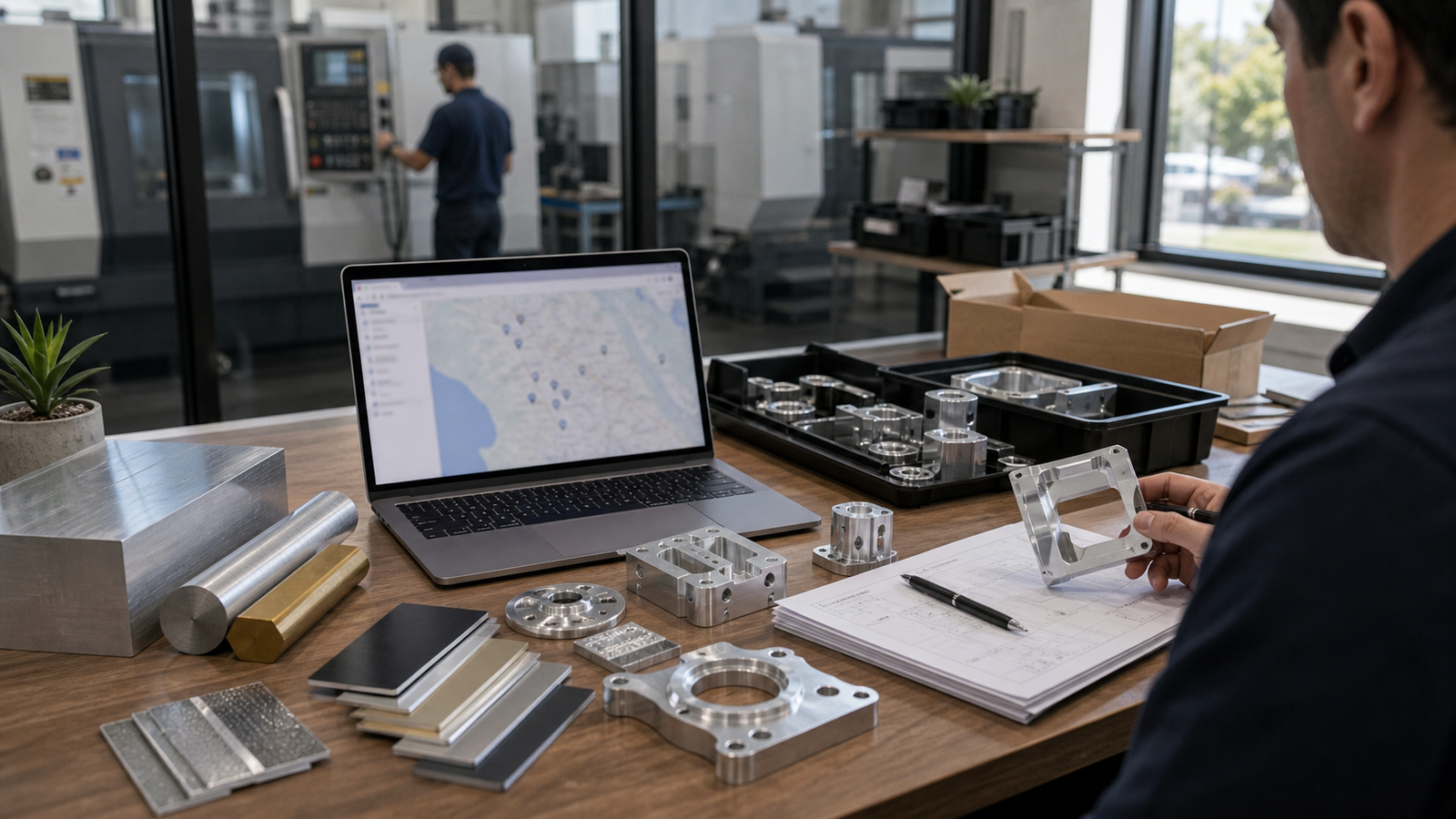
Sending an idea to a machine shop and getting a price back seems like a simple process, but behind the scenes, there is a massive amount of planning happening. When an engineer at a machine shop receives your file, they have to study it carefully to understand exactly how difficult it will be to manufacture. The faster and more completely they can understand your vision, the faster you get an accurate price quote. If important details are missing, the quoting engineer will have to stop, write you an email, wait for your response and try again. This slows down your project. By providing all the right information upfront in your CAD files, you not only speed up the quoting process but also prevent costly surprises and delays when the part is actually being cut.
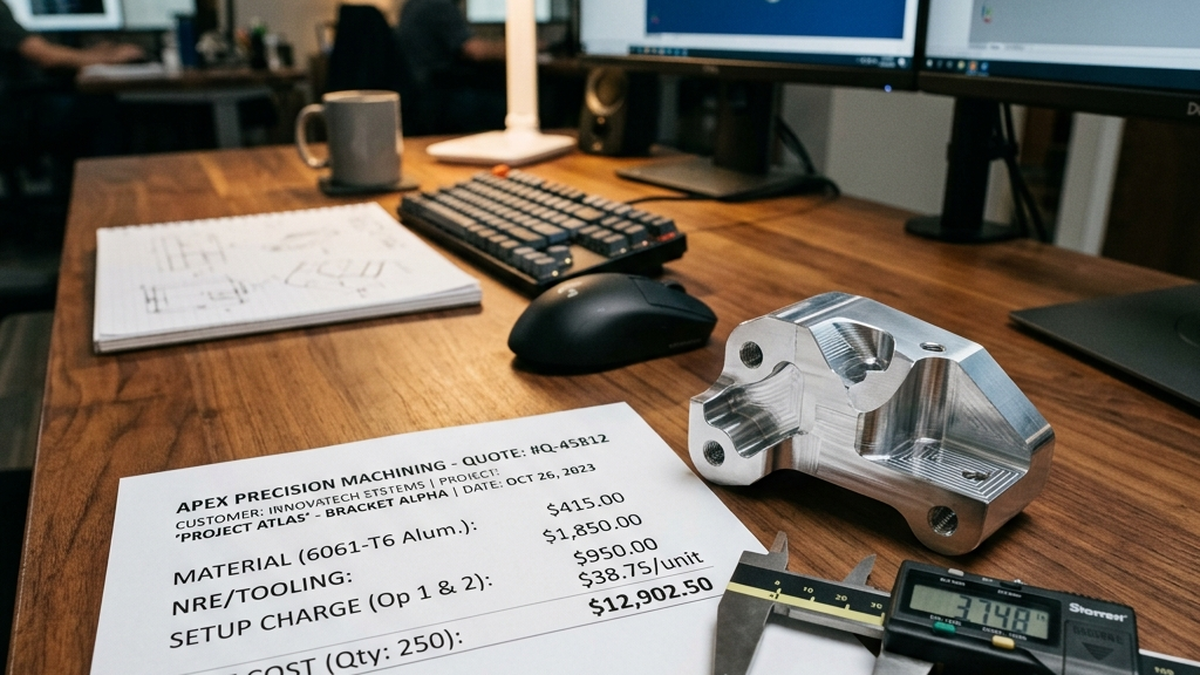
A good quote package acts as a crystal-clear communication bridge between the person who invented the part and the person who has to physically build it. It tells the machinist what matters, what doesn't matter and exactly how the final piece should behave in the real world. Once you have your quote, our article on how to read CNC shop quotes will help you understand every line item before you approve anything.
Best File Formats for 3D Models
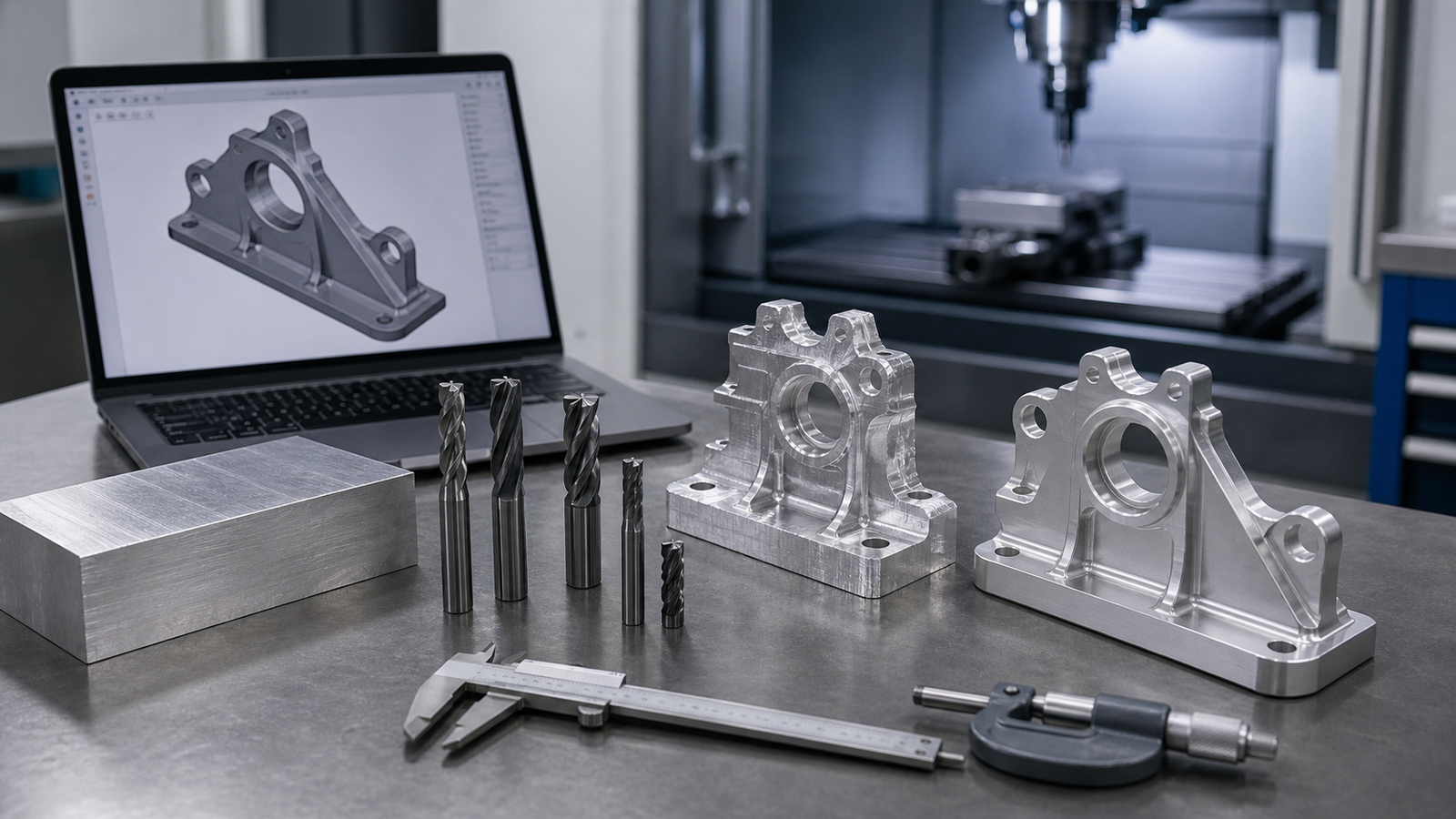
The foundation of any modern CNC project is the 3D model. A Computer-Aided Design (CAD) model gives the machining software the exact solid geometry of the object. Think of it as a virtual, perfect digital twin of the part you want to hold in your hands. However, the world of 3D modeling has dozens of different software programs. Sending the right file format is critical.
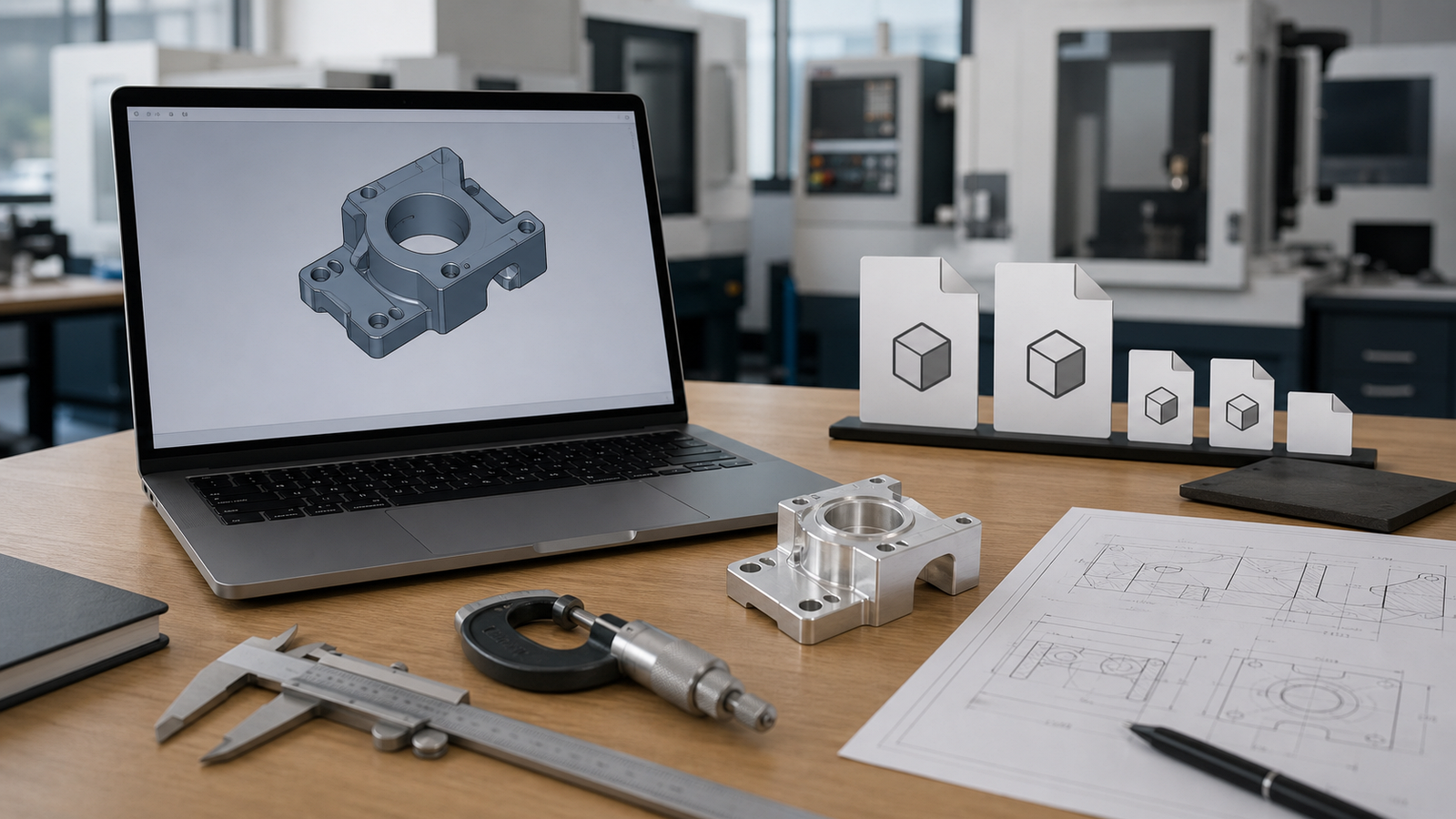
The absolute gold standard for sending 3D models to a CNC machine shop is the STEP file (usually saved as .step or .stp). A STEP file is a universal format that every single major manufacturing software program can read correctly without any glitches. It perfectly preserves the exact sizes, curves and mathematically solid nature of your part.
On the opposite end, you must avoid sending STL files or OBJ files for CNC machining. These files (often used for 3D printing or video games) are made up of thousands of tiny, flat triangles called a mesh. A CNC machine cannot easily calculate exact flat surfaces or perfectly round holes from a web of triangles. While some shops might accept a native file like a SolidWorks (.sldprt) or Fusion 360 file, providing a STEP file alongside it guarantees there will be no translation errors between their computers and yours.
Why You Still Need a 2D Drawing
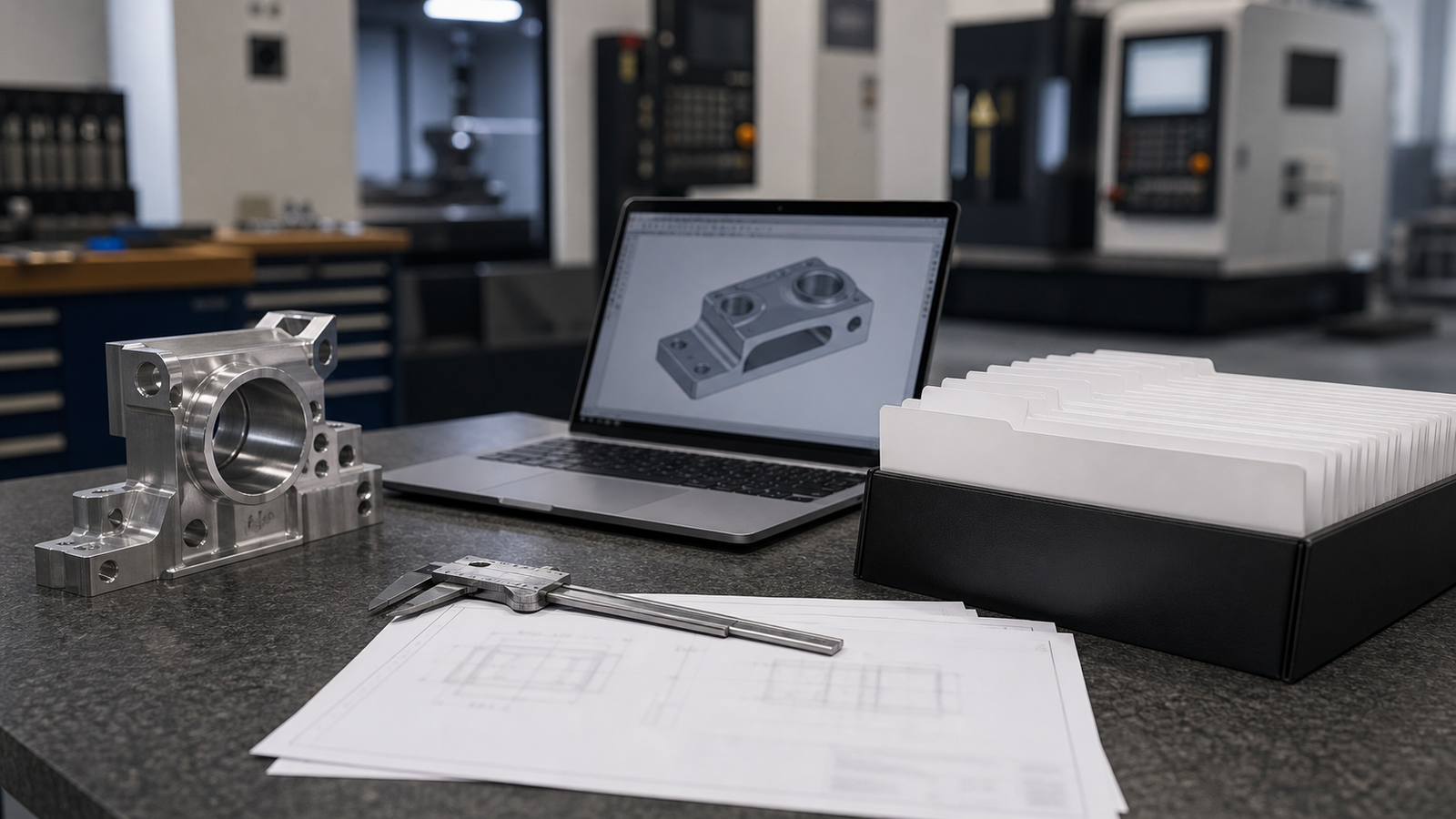
Wait, if a 3D model is a perfect digital twin of the part, why do you still need to send a flat, 2D PDF drawing? It is a common question and the answer revolves around manufacturing intent. A 3D model shows what the part looks like, but a 2D drawing tells the shop how to treat it. A drawing serves as an instruction manual that highlights the critical zones of your part.
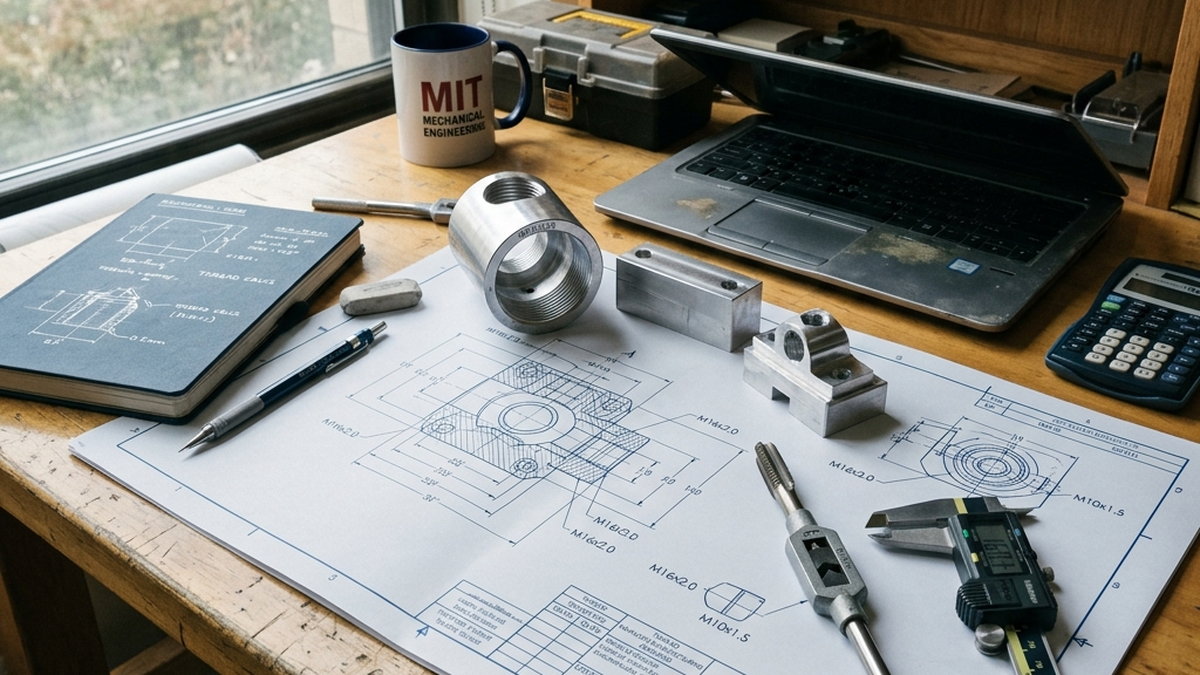
For example, a 3D model does not naturally tell the machinist if a hole is supposed to have spiral screw threads inside it, or if a specifically flat wall needs to be incredibly smooth. The 2D drawing is where you type out your special instructions, your tolerances, your material requirements and any special finishes. Even if your 2D drawing is very simple, simply adding an arrow that points to a specific hole with the text "Critical Feature" gives the shop immense clarity. To get the best results, always send a paired package: one 3D STEP file and one 2D PDF drawing.
Specifying Tolerances Clearly
In the physical world, creating a part that is mathematically perfect is impossible. A "tolerance" is a formal rule that dictates exactly how much error is allowed on a specific dimension. For example, if your part needs a hole that is exactly one inch wide, a standard tolerance might say "1.000 inches, plus or minus 0.005 inches." This means if the hole is 1.004 inches wide, it still passes the test and is considered a good part.
Most machine shops follow a standard, default tolerance (often ±0.005", which is roughly the thickness of a sheet of standard paper). If a part needs to lock into a bearing or fit tightly inside a moving engine block, it will require a much tighter tolerance (such as ±0.001"). You must explicitly call out these tight tolerances on your 2D drawing so the shop knows to be extra careful.
Tighter tolerances directly increase the cost of your part. The shop has to slow down the machine, use brand new cutting tools and spend extra time rigorously measuring the part. Only ask for tight tolerances on the specific features that absolutely require them.
Calling Out Threads and Tapped Holes
Threaded holes are necessary for putting screws or bolts into your part, but they present a unique communication challenge. In most 3D CAD models, a threaded hole simply looks like a plain, smooth cylinder. The software usually does not draw the physical spiral threads because it uses too much computer memory.
When the shop looks at that smooth cylinder, they do not know what kind of screw you plan to put in there. On your 2D technical drawing, you must point an arrow to the hole and type the exact thread callout. If you are using standard American measurements, you might write "1/4-20 UNC." If you are using the metric system, you might write "M6 x 1.0."
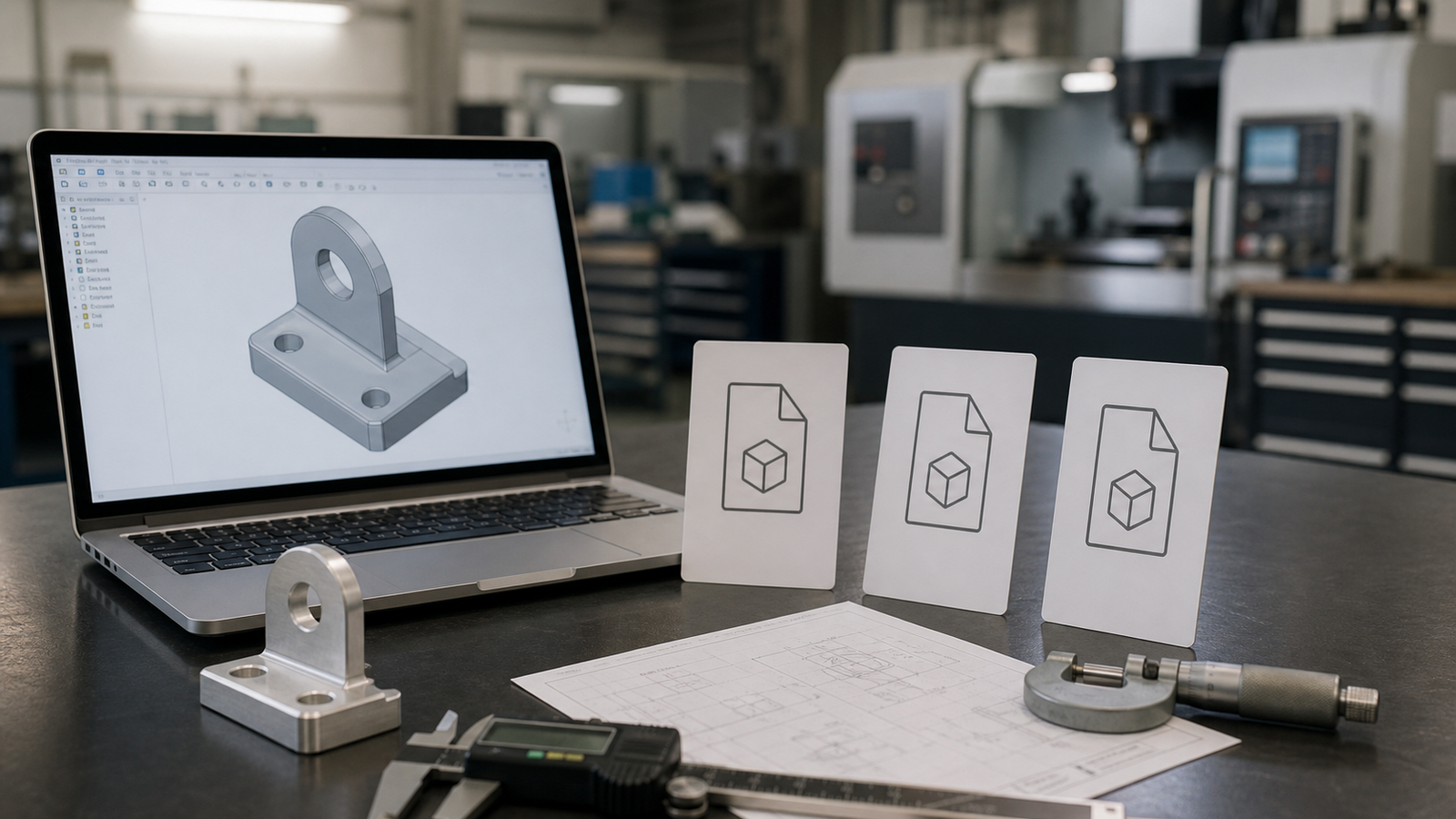
Additionally, you must state whether the screw goes all the way through the metal block (a "through hole") or if it stops down inside the metal (a "blind hole"). If it is a blind hole, give the exact depth that the threads must reach.
Being Clear on Material Choices
The type of material you select changes everything about a CNC quote. Different materials take more or less time to cut, require different tools and cost vastly different amounts to purchase in their raw block form. When requesting a quote, you cannot simply say "make it out of aluminum" or "make it out of plastic."
You need to specify the exact grade of the material. There is a huge difference in cost and strength between 6061 Aluminum, 7075 Aluminum and 6063 Aluminum. If you want a plastic part, you must state if it is Delrin, Polycarbonate, ABS, or Nylon. Being specific ensures the shop quotes the exact right metal and gives you an honest, reliable price. If you do not know what metal to use, it is perfectly fine to write down what the part needs to do (for example, "must not rust, must be lightweight") and ask the shop to recommend a standard material.
Surface Finish and Protective Coatings
The standard "as-machined" finish left by a CNC machine is generally very clean, but it will have tiny, visible swirl marks where the cutting tool touched the metal. For many functional parts hidden inside a machine, this is perfectly fine. However, if your part needs to slide smoothly against something else, or if it will be seen by a customer and needs to look beautiful, you must specify a surface finish.
You can define surface finish using a roughness average number (like 32 Ra or 16 Ra). The lower the number, the smoother the surface. Alternatively, you can request secondary processes like bead blasting, which shoots tiny glass beads at the part to give it a soft, matte, satin finish. If you need a protective color coating, you must call out "Anodize Type II, Black" or "Powder Coat, Red." Every extra finishing step adds time and cost, so document clearly exactly what your parts need before they leave the factory floor.
Stating Production Quantities
A CNC quote is heavily tied to volume. The cost to set up the machine algorithm and physically load the tools takes the same amount of time whether you are ordering 1 part or 500 parts. Therefore, if you order one part, you pay the entire setup fee. If you order 500 parts, that massive setup fee gets evenly divided among all the parts, dropping the price per unit drastically.
When you ask for a quote, let the shop know the total number of parts you need. A smart strategy is to ask for a "stepped quote." This means asking the shop: "What is the price for 5 pieces? What is the price if I buy 50 pieces? What is the price if I buy 200 pieces?" This gives you a great idea of how much money you save by buying in bulk.
Your Quick Quote Checklist
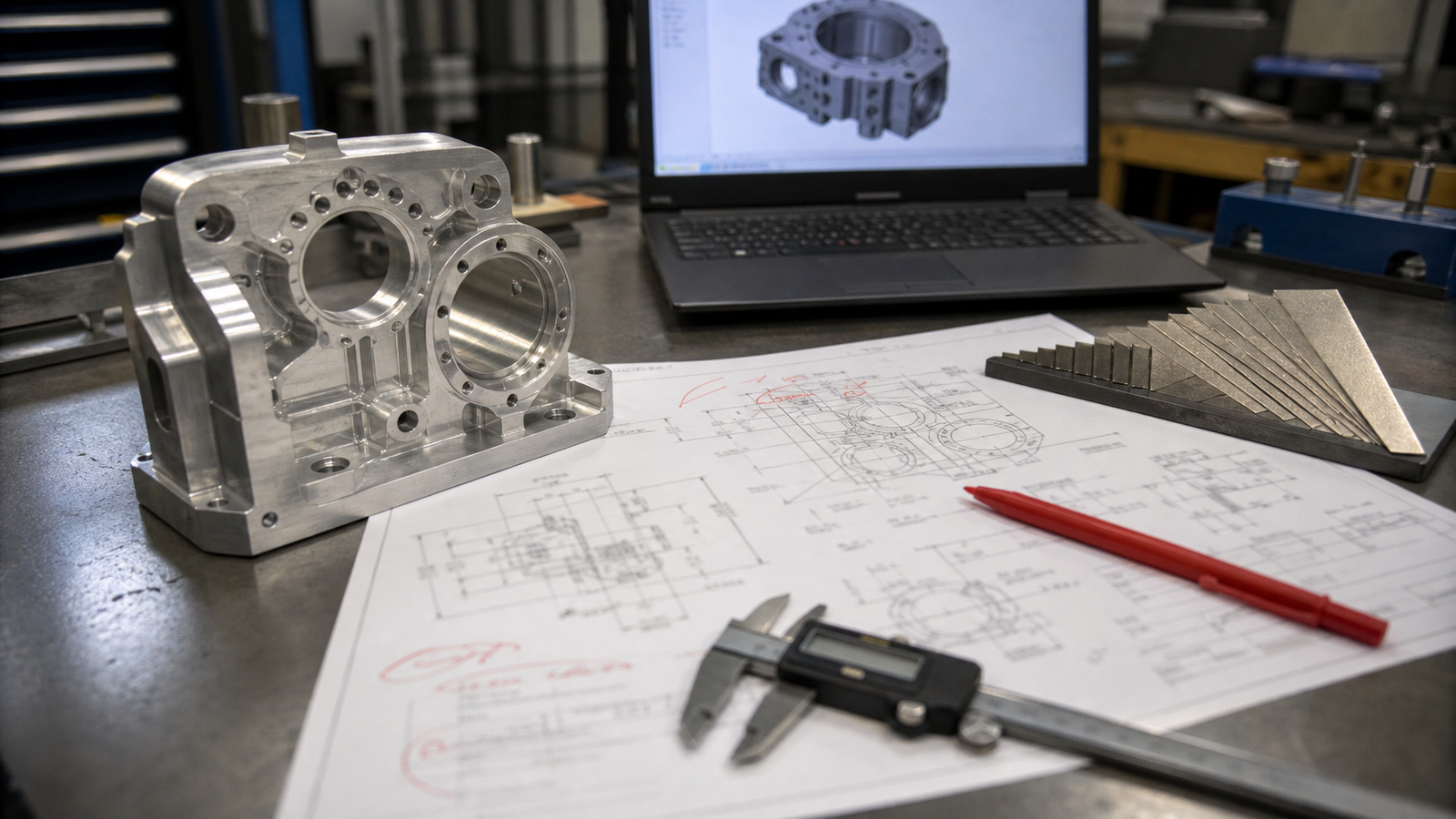
Before you hit the submit button on an email or a quoting portal, run through this final checklist. If you have provided everything here, your quoting engineer will love you and you will receive your prices lightning fast.
- Did you export a clean 3D CAD model saved as a STEP (.stp / .step) file?
- Did you prepare a 2D PDF drawing containing important notes?
- Are all threaded and tapped holes clearly marked with their exact thread sizes?
- Did you call out any tight, critical tolerances (and leave the rest standard)?
- Is the specific, exact material grade clearly declared?
- Did you mention if you need any special finishes, sandblasting, or anodizing colors?
- Did you clearly state the quantities you want to buy?
By treating the quoting process like a formal handover, you guarantee that exactly what is in your head gets correctly transformed into solid metal on the actual factory floor.
Frequently Asked Questions
Why do I need to provide a 2D drawing?
While a 3D model shows the overall geometry, it fails to display crucial information like specific thread sizes, tight fitment tolerances and surface finishing instructions. A 2D drawing provides all the human elements and rules the machine operator needs to know.
What is the absolute best file format for a CNC quote?
The best, most reliable file format is the STEP (.stp or .step) file. It acts as a universal engineering language that accurately preserves mathematically perfect solid bodies across different design software platforms.
Does requesting tight tolerances increase the total cost?
Yes, heavily. Tight size rules force the cutting tool to move much slower to avoid mistakes. The operator also has to stop the machine frequently to measure the part with expensive, specialized gauges. This extra time drives up the final price significantly.