Why CNC Machining Works for Robotics
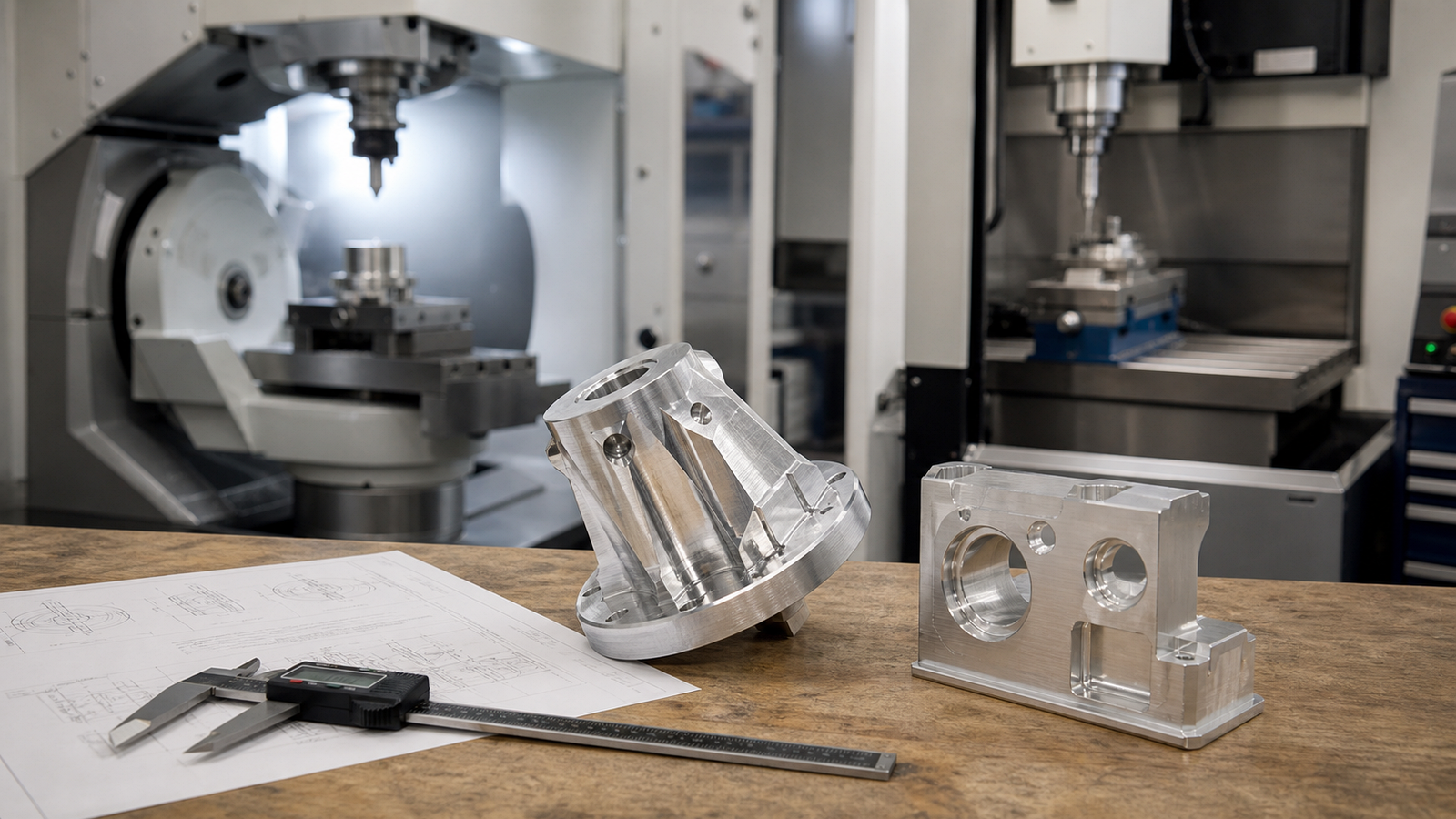
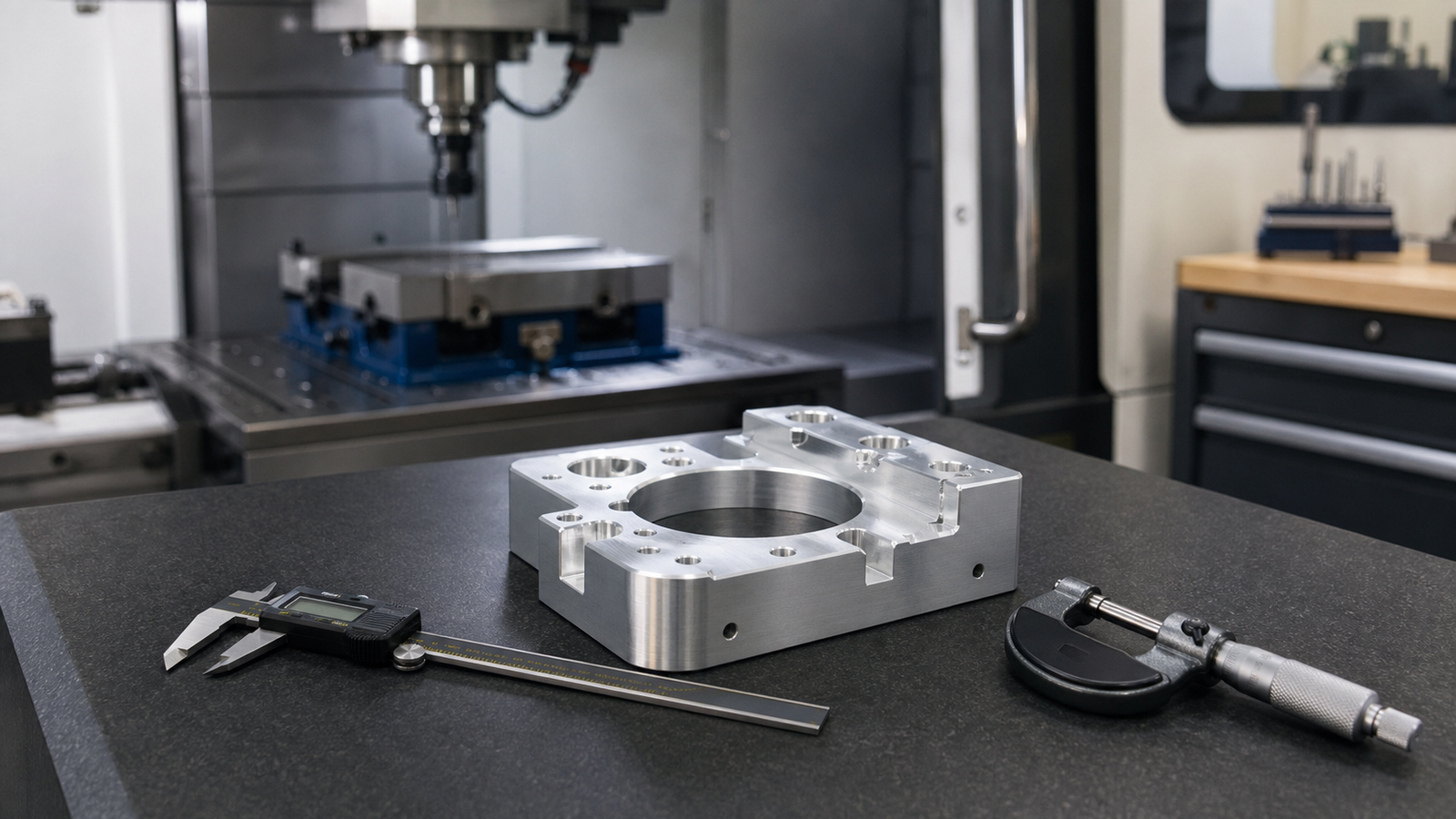
Robots move fast. Their parts need to keep up. CNC machining gives you tight tolerances, strong materials and fast turnaround. That makes it a perfect fit for robotics.
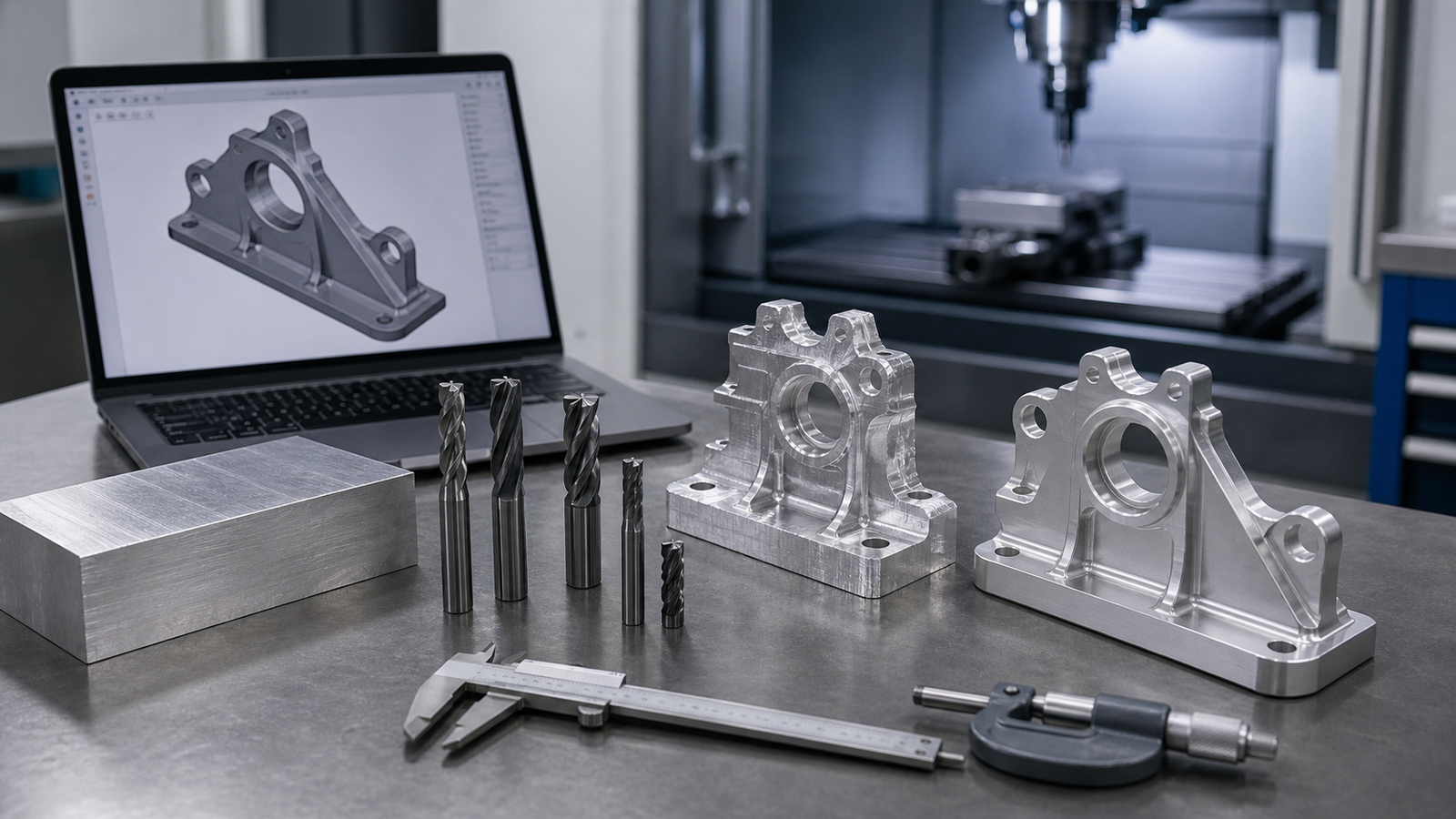
3D printing works for early prototypes. But when you need real strength and precision, CNC is the way to go. A machined aluminum bracket will outlast a printed one every time.
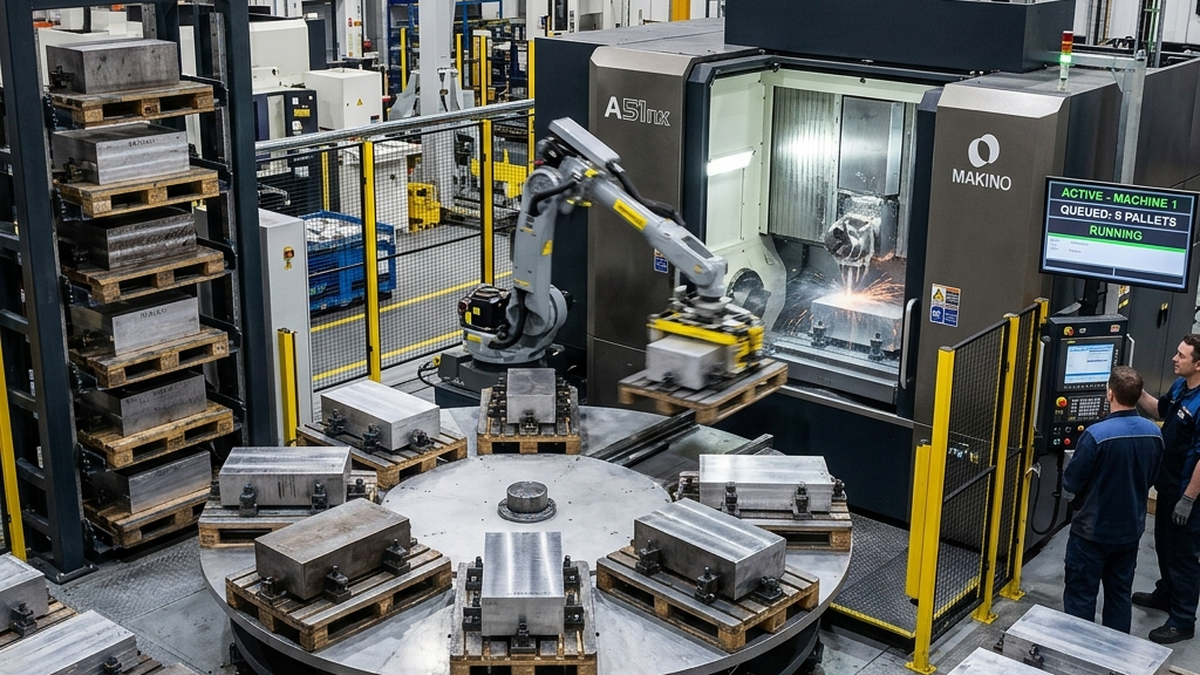
CNC also scales well. You can make one prototype today. Then order 500 of the same part next month. The setup is already done.
Common Robot Parts We Machine
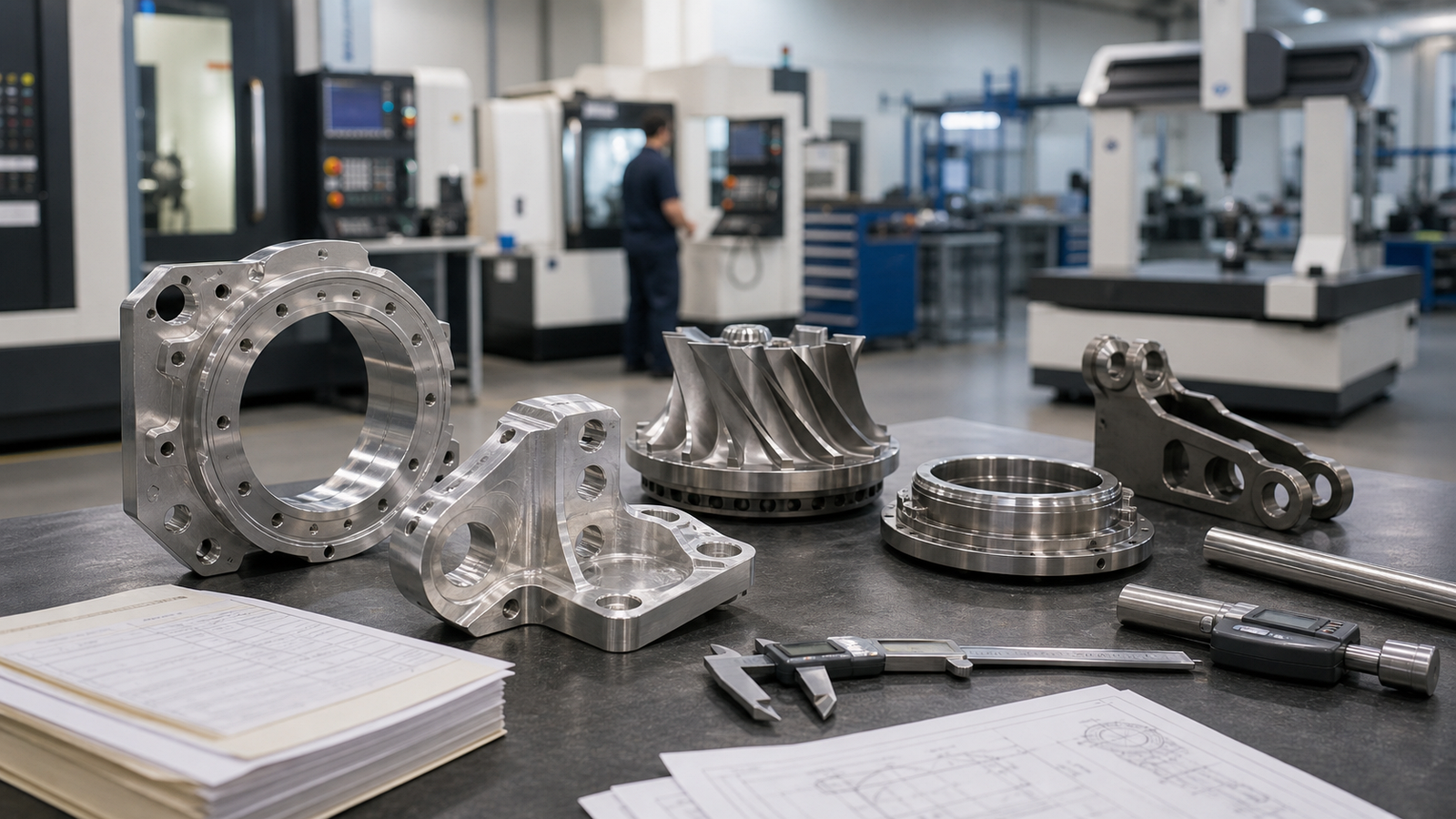
Most robots share a handful of part types. The shapes vary, but the functions are the same.
Actuator Housings
These hold motors, gearboxes, or linear actuators. They need precise bore fits and mounting holes. Aluminum is the go-to material. It keeps weight down while staying rigid.
End Effectors
The business end of any robot arm. Grippers, tool holders and custom fixtures all fall here. These parts need tight tolerances where they connect to the arm. Material depends on the job.
Structural Brackets
Brackets connect joints, hold sensors and support payloads. They seem simple but carry real loads. Good bracket design uses pocketing to cut weight without losing strength.
Encoder Mounts
Encoders tell the robot where it is. The mount must hold the encoder in perfect alignment. Even 0.001 inches of misalignment can cause position errors. These parts need tight tolerances.
Shaft Couplings and Spacers
These connect motors to drivetrain components. Concentricity matters. A coupling that is off-center creates vibration. That vibration wears out bearings and reduces accuracy.
Combine multiple brackets into one part when possible. Fewer parts means fewer fasteners, less assembly time and better alignment.
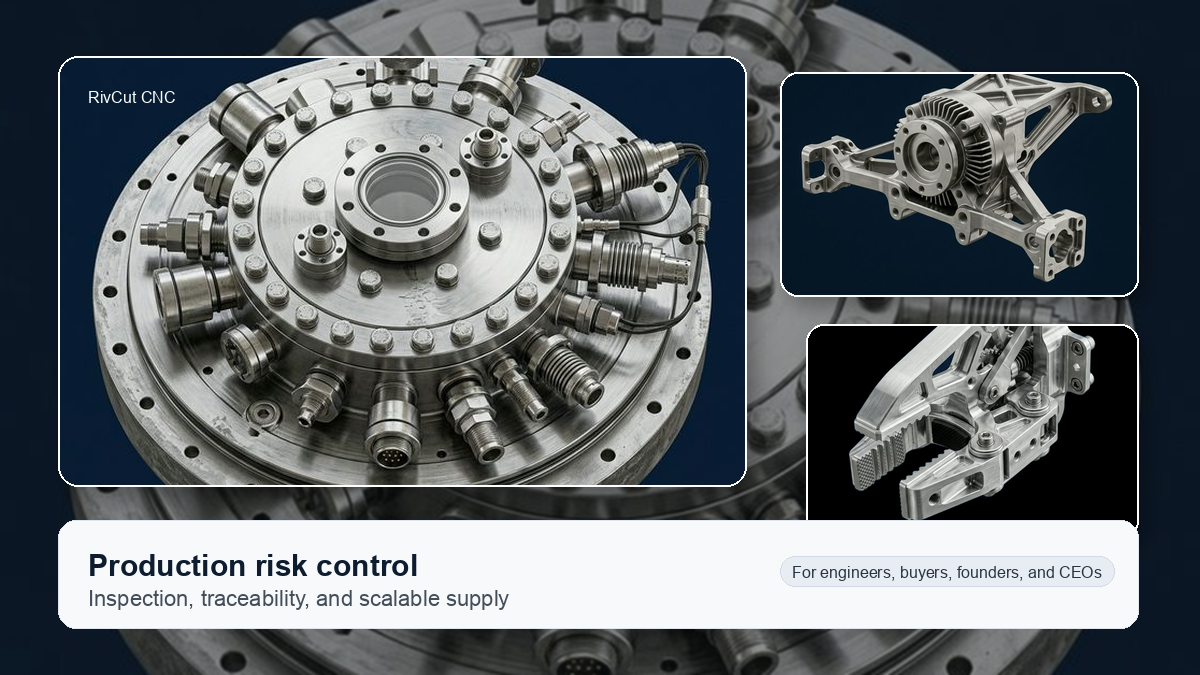
Materials: Aluminum vs Steel vs Titanium
Material choice depends on three things. How much load does the part carry? How much can it weigh? What is the budget?
| Material | Strength | Weight | Cost | Best For |
|---|---|---|---|---|
| 6061-T6 Aluminum | Good | Light | Low | Brackets, housings, frames |
| 7075-T6 Aluminum | Very Good | Light | Medium | High-load brackets, arms |
| 4140 Steel | Excellent | Heavy | Medium | Gears, shafts, joint pins |
| 303 Stainless | Good | Heavy | Medium | Shafts, washdown environments |
| Ti Grade 5 | Excellent | Medium | High | Weight-critical, high-stress |
| Delrin (POM) | Low | Very Light | Low | Bushings, rollers, guides |
Most robot builders start with 6061-T6 aluminum. It machines fast, costs less and is plenty strong for most structural parts. Switch to 7075-T6 when loads get higher.
Every gram on a robot arm tip multiplies at the base. A part 1 meter from the pivot creates much more torque than one near the base. Put your lightest materials at the far end of the arm.
Weight Optimization Strategies
In robotics, weight is the enemy. Lighter parts mean faster moves, smaller motors and less energy use. Here is how to cut weight without losing strength.
Pocketing
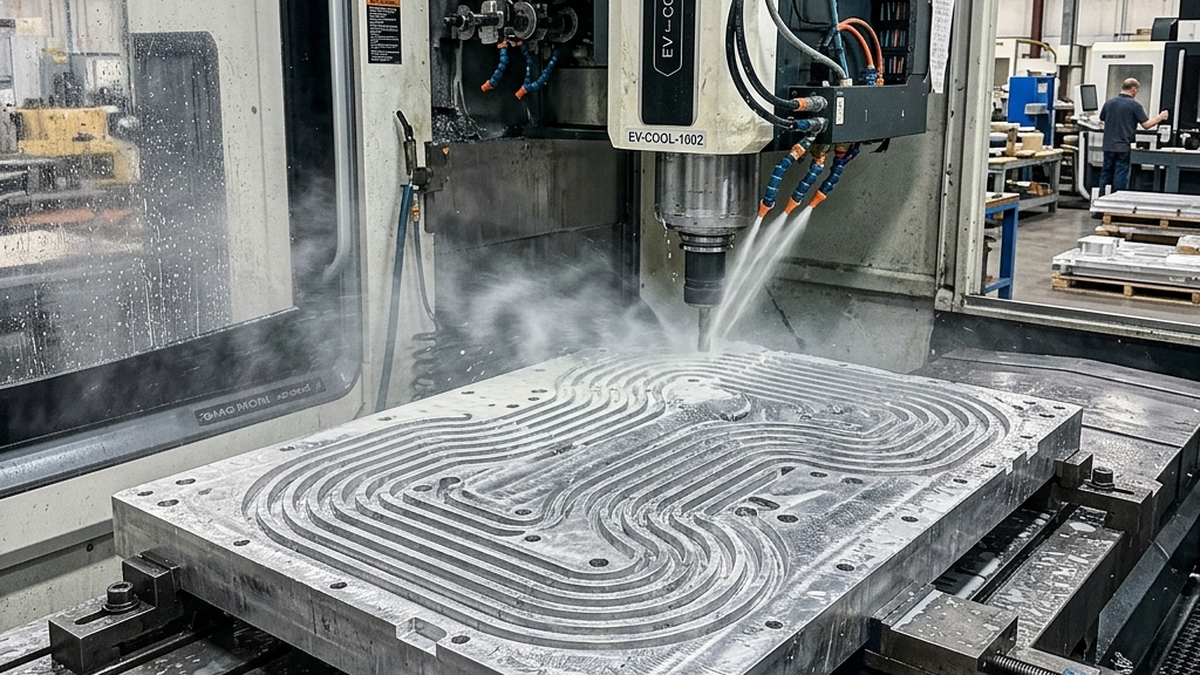
Remove material from low-stress areas. Leave ribs where loads flow. A well-pocketed bracket can weigh 40% less than a solid one. FEA simulation shows you where to cut.
Thin Walls with Ribs
A thin wall with ribs is stronger than a thick wall without them. Ribs resist bending along the load path. Keep walls at 2-3mm for aluminum parts. Add ribs at 1.5x wall thickness.
Material Upgrades
Switching from steel to aluminum saves 65% of the weight. Switching from 6061 to 7075 keeps the same weight but adds 40% more strength. Sometimes the best weight savings come from material choice.
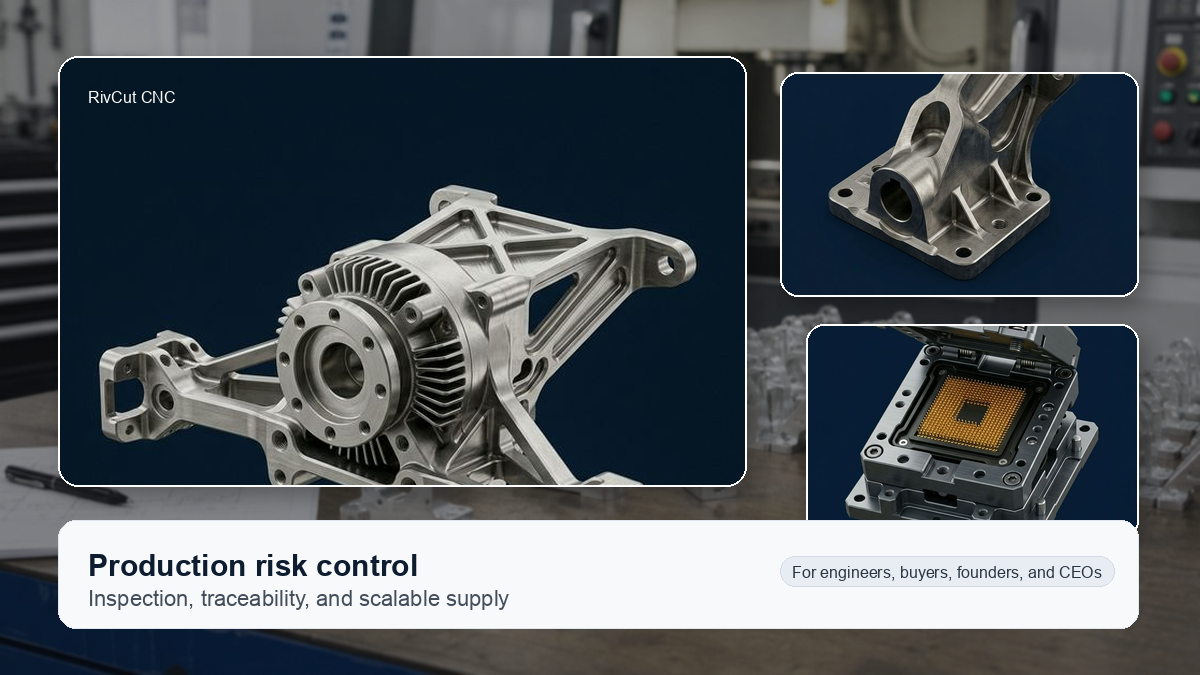
Topology Optimization
Software like nTopology or Fusion 360 can generate organic shapes that use the least material for a given load. These designs often look unusual. But they are lightweight and strong. CNC can machine many of these shapes with 5-axis work.
Tolerances That Matter in Robotics
Not every feature on a robot part needs tight tolerances. Knowing where to be tight and where to relax saves money and lead time.
- Bearing bores: ±0.0005 to ±0.001 inch
- Encoder mounts: ±0.0005 inch
- Shaft fits: ±0.001 inch
- Mounting holes: ±0.005 inch
- Outer profiles: ±0.005 to ±0.010 inch
- Non-critical features: ±0.010 inch
Tight tolerances cost more. Only call them out where fit and function demand it. A blanket ±0.001 on every dimension doubles your cost.
Surface Finish and Coatings
Most robot parts work fine with a standard machined finish. But some surfaces need more attention.
- Bearing surfaces: 16-32 Ra for smooth rotation
- Sliding surfaces: 32 Ra with hard anodize
- General structural: 63-125 Ra, as-machined
- Cosmetic surfaces: Bead blast + anodize
Anodizing is the most common finish for aluminum robot parts. Type II anodize adds corrosion protection. Type III (hard anodize) adds wear resistance for sliding surfaces.
Design Tips for Machinability
Good designs are easy to machine. Easy to machine means lower cost and faster delivery. Here are some practical tips.
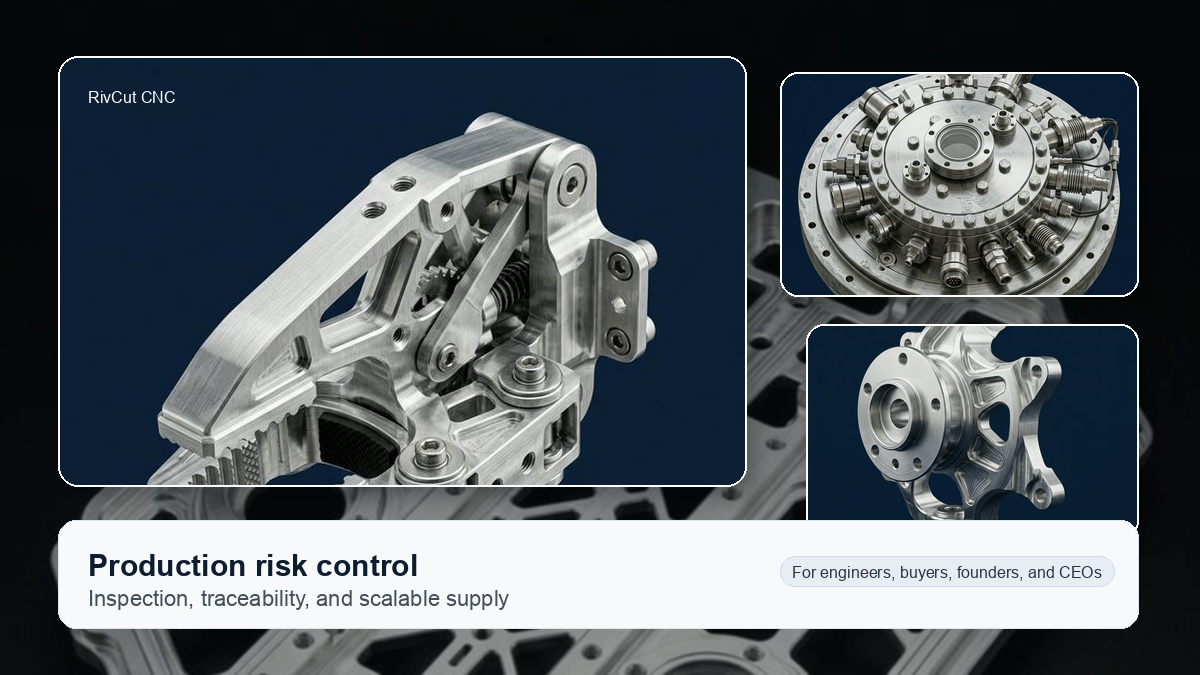
- Add fillets to inside corners. Sharp corners need EDM. A 1/8" fillet works for most applications.
- Keep pocket depths under 4x the width. Deep narrow pockets need special tooling and slow feeds.
- Use standard hole sizes. Match your holes to common drill sizes. Custom bores cost more.
- Design for 3-axis when possible. 5-axis adds cost. If your part can be made with simple setups, the price drops.
- Group tight tolerances on one setup. Tolerances between features machined in the same setup are easier to hold.
- Add draft-free flat surfaces for workholding. The shop needs a way to clamp your part. Flat reference surfaces make fixturing easy.
Building a robot and need precision parts? Upload your CAD file to RivCut for instant pricing. We machine aluminum, steel and titanium parts for robotics companies every day.
Frequently Asked Questions
What materials are best for robot parts?
6061-T6 and 7075-T6 aluminum are the top choices. They are light and strong. Use steel for gears and high-load joints. Titanium works for weight-critical areas.
What tolerances do robotics parts need?
Most brackets need ±0.005 inch. Bearing bores need ±0.001 inch or tighter. Encoder mounts often need ±0.0005 inch for accuracy.
Should I use aluminum or steel?
Use aluminum for most parts. It is one-third the weight of steel. Use steel only for high-load areas like joint pins and gears.
How do I reduce weight in CNC parts?
Pocket low-stress areas. Add ribs instead of thick walls. Choose aluminum over steel. Use topology optimization software for complex shapes.
What surface finish do robot parts need?
Most parts work at 63-125 Ra. Bearing surfaces need 16-32 Ra. Anodize aluminum parts for wear and corrosion protection.