How CNC Machining Works
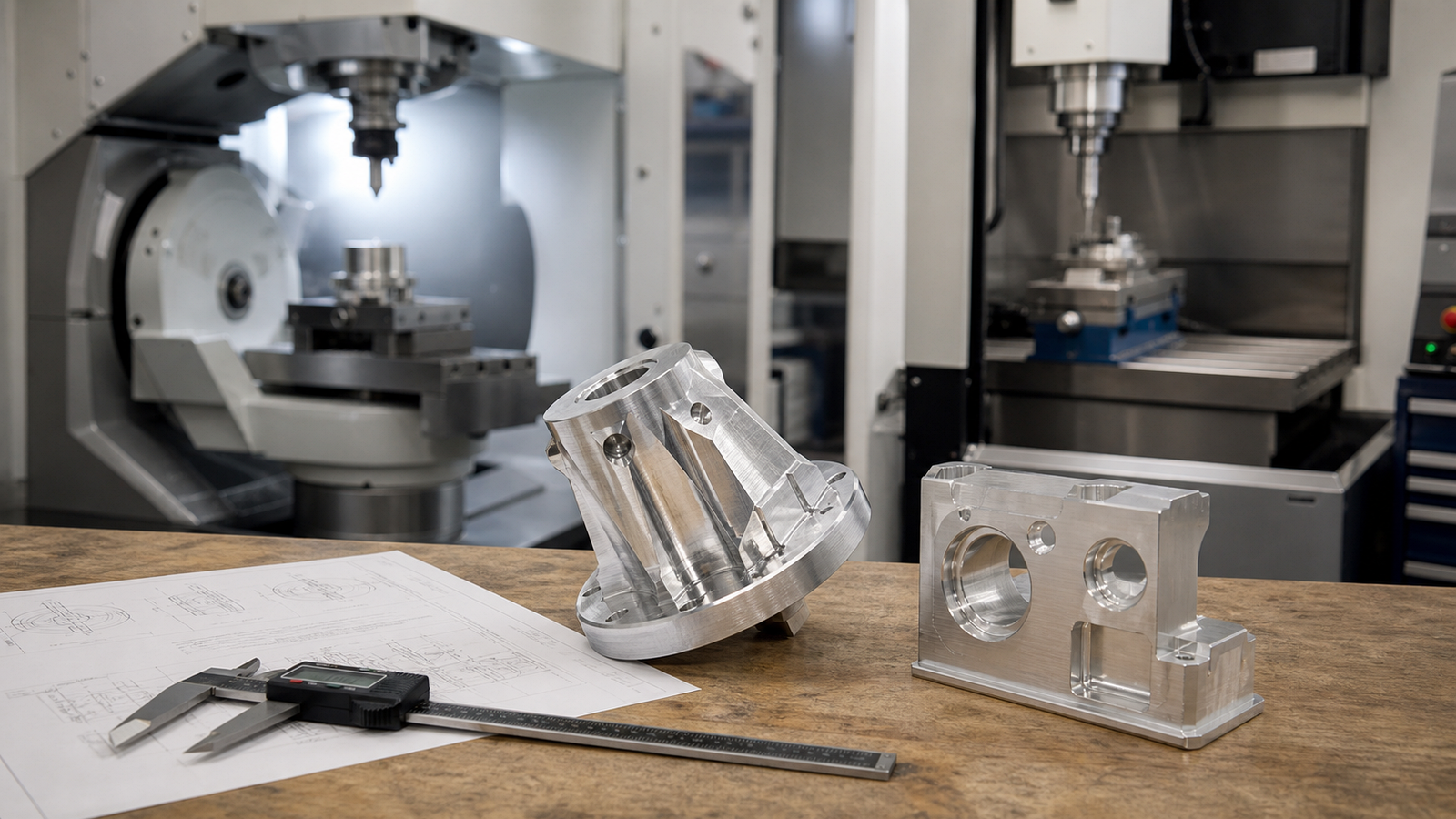
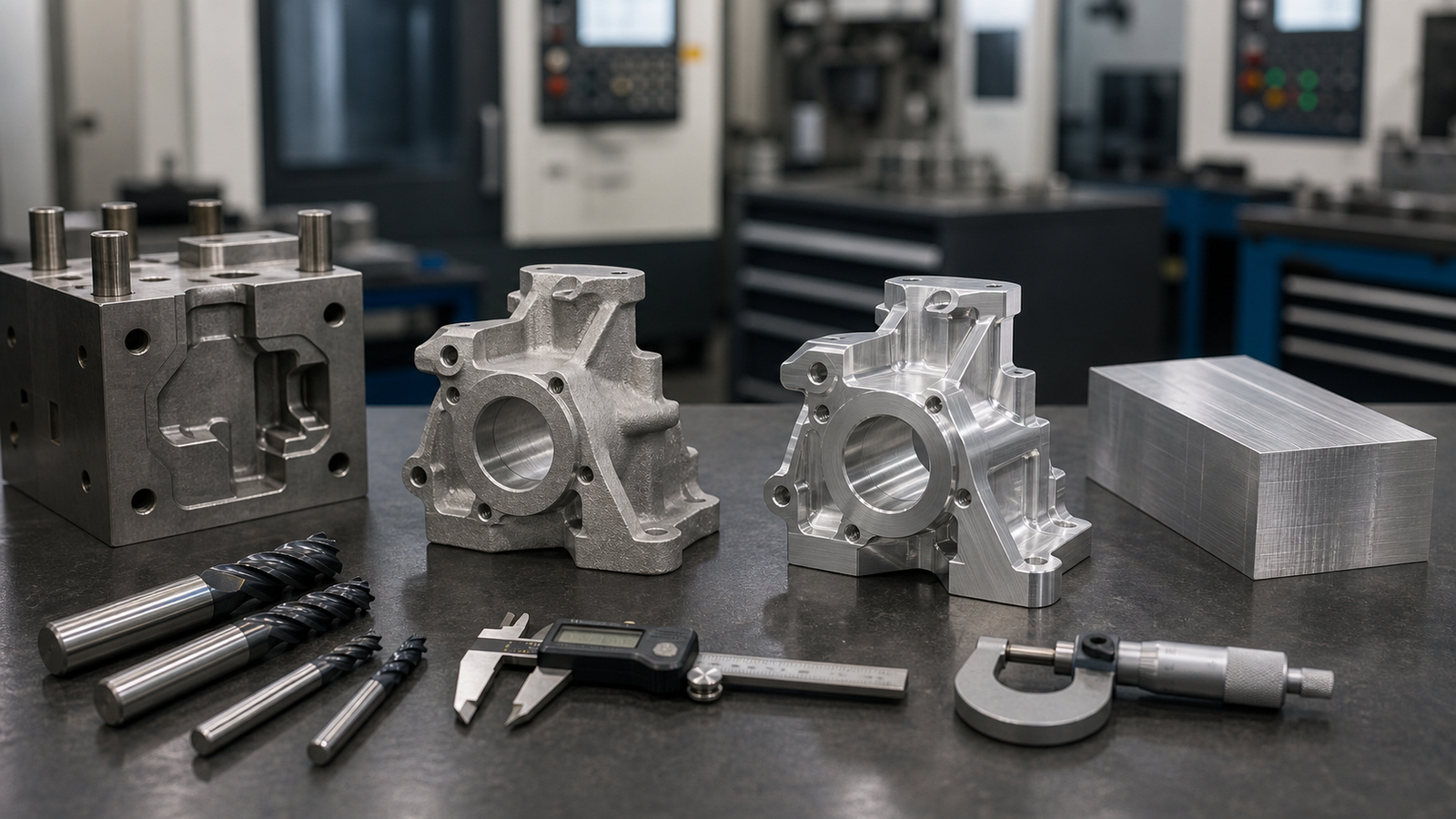
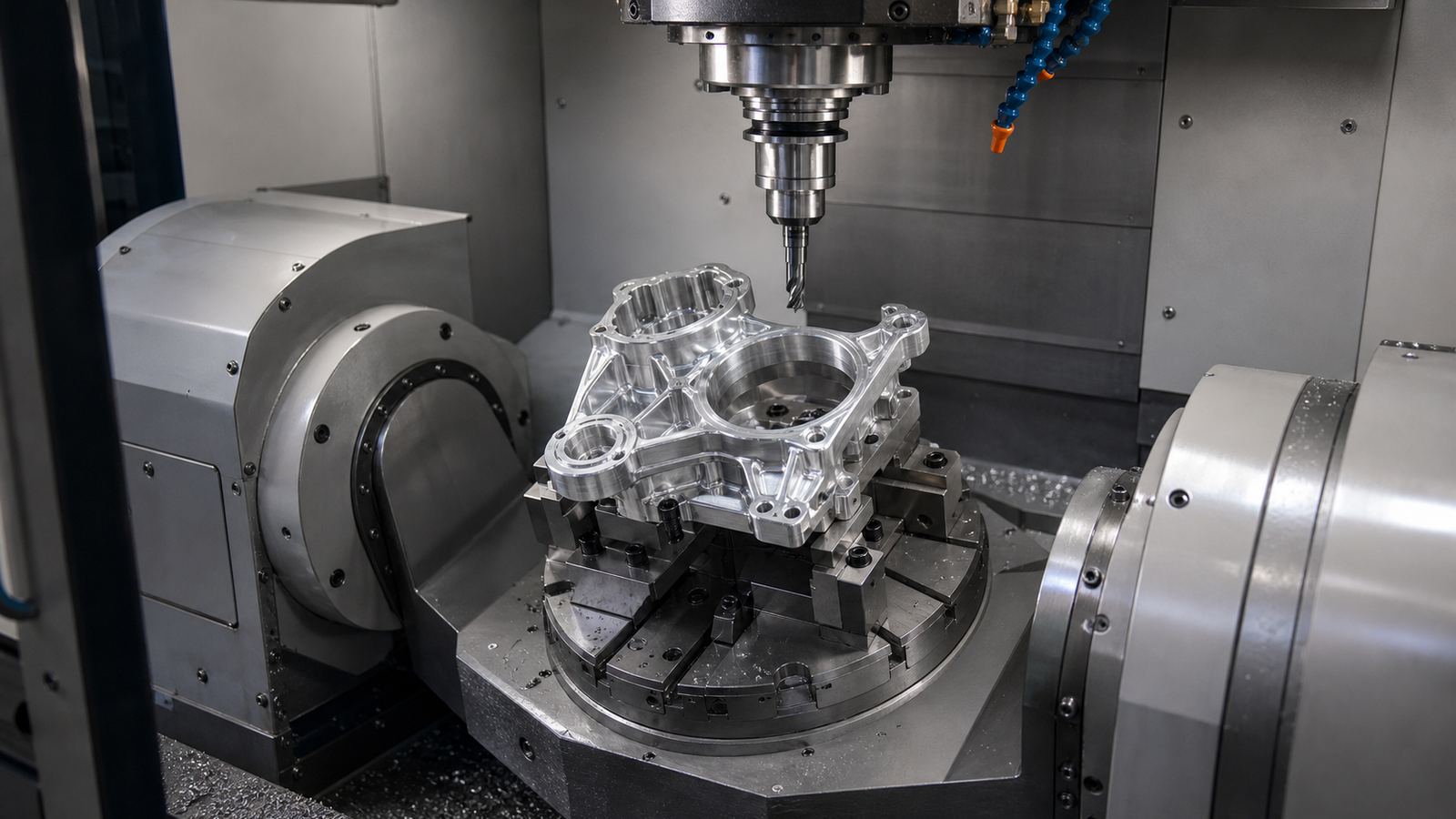
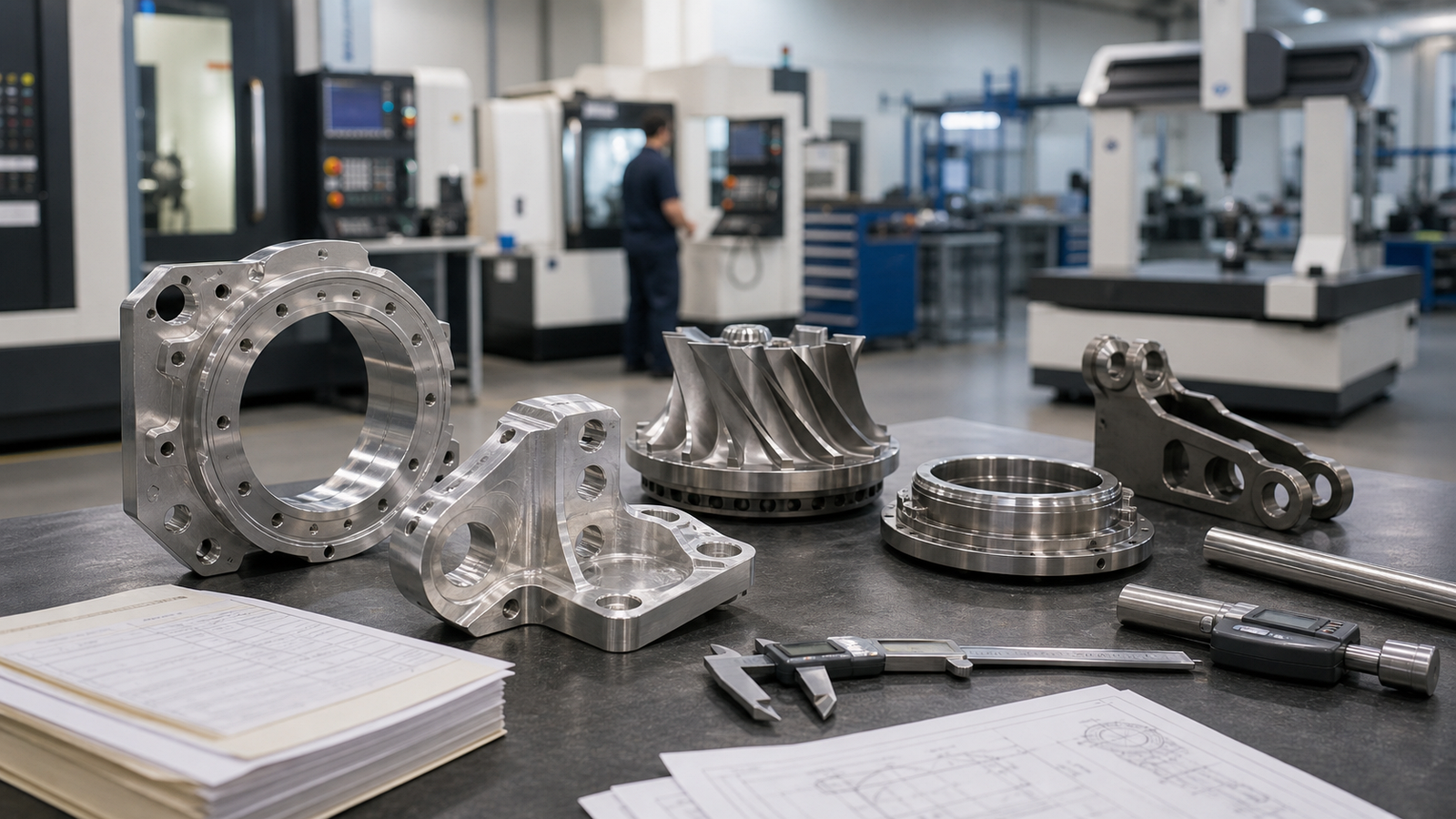
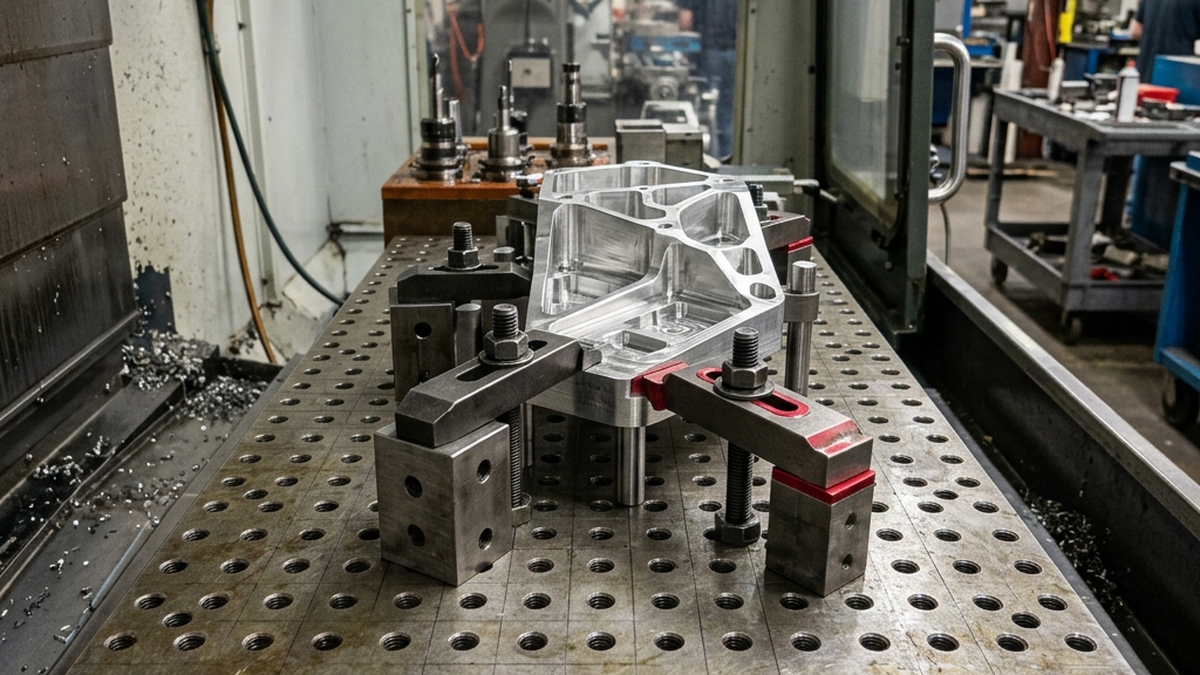
CNC machining starts with a solid block of material. A spinning cutting tool removes material until the final shape appears. This is subtractive manufacturing.
It works with metals, plastics and composites. It delivers tight tolerances and excellent surface finishes. Most CNC parts are ready to use right off the machine.
- Subtractive: Starts with a block, removes material
- Materials: Aluminum, steel, titanium, brass, plastics
- Tolerances: +/-0.001" to +/-0.005" standard
- Surface finish: 16 - 63 Ra typical
How 3D Printing Works
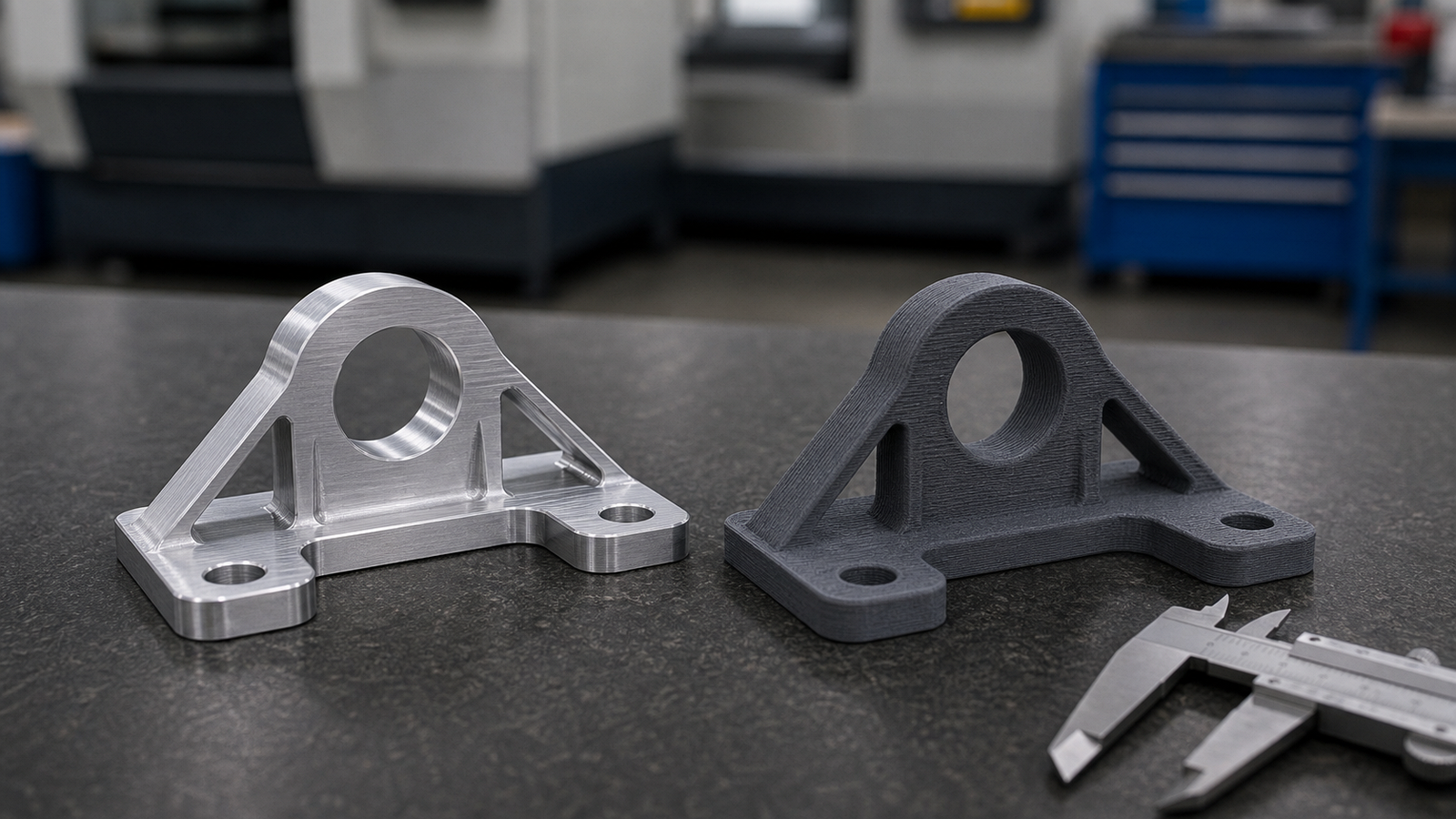
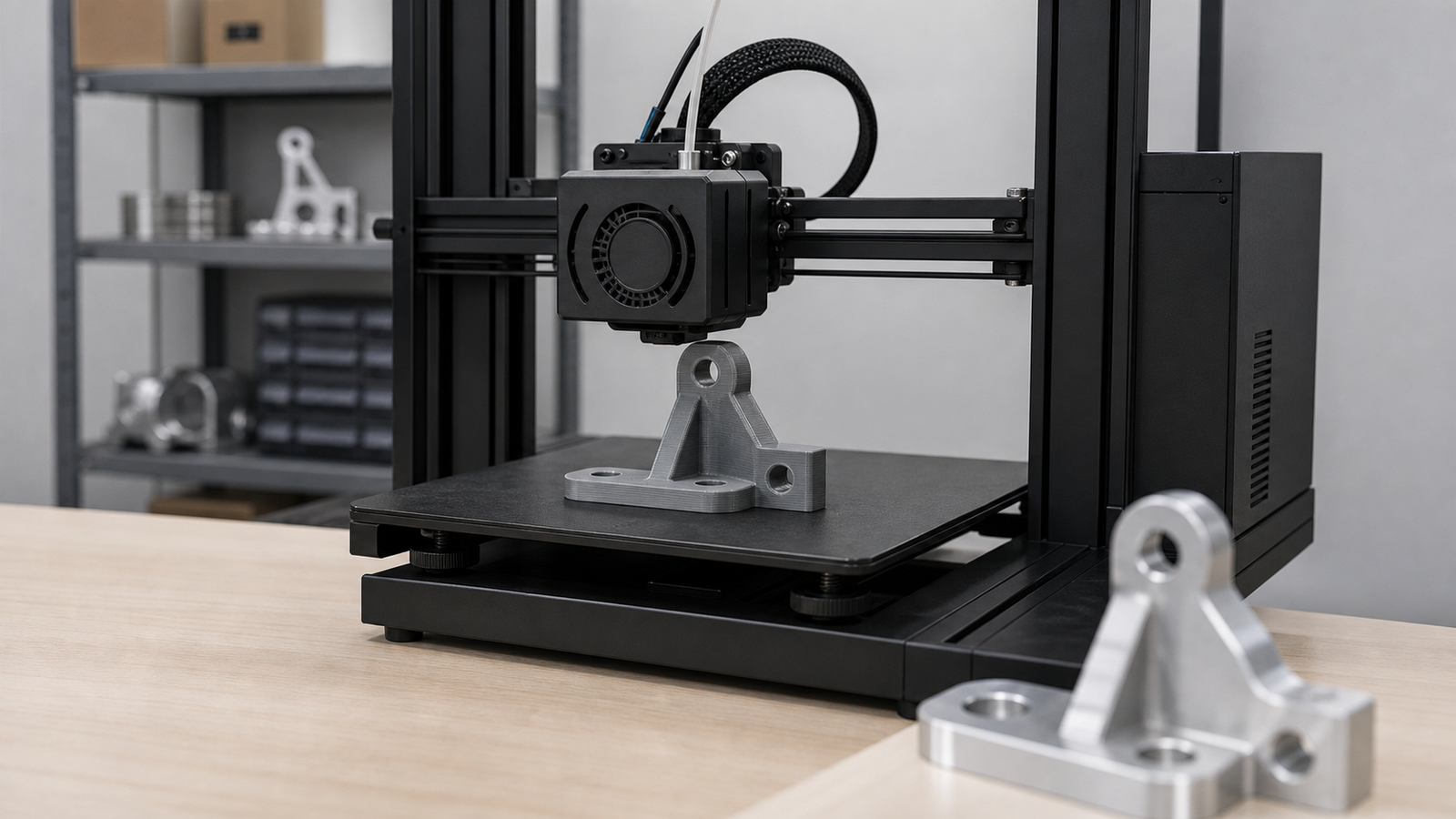
3D printing builds parts layer by layer from the bottom up. This is additive manufacturing. The machine deposits material only where the part needs it.
Common methods include FDM (melted filament), SLA (UV-cured resin), SLS (laser-sintered powder) and DMLS (metal powder). Each has different strengths.
- Additive: Builds up layer by layer
- Materials: PLA, ABS, nylon, resin, titanium powder, stainless powder
- Tolerances: +/-0.005" to +/-0.020" depending on method
- Surface finish: 100 - 400 Ra typical (visible layer lines)
Material Options Compared
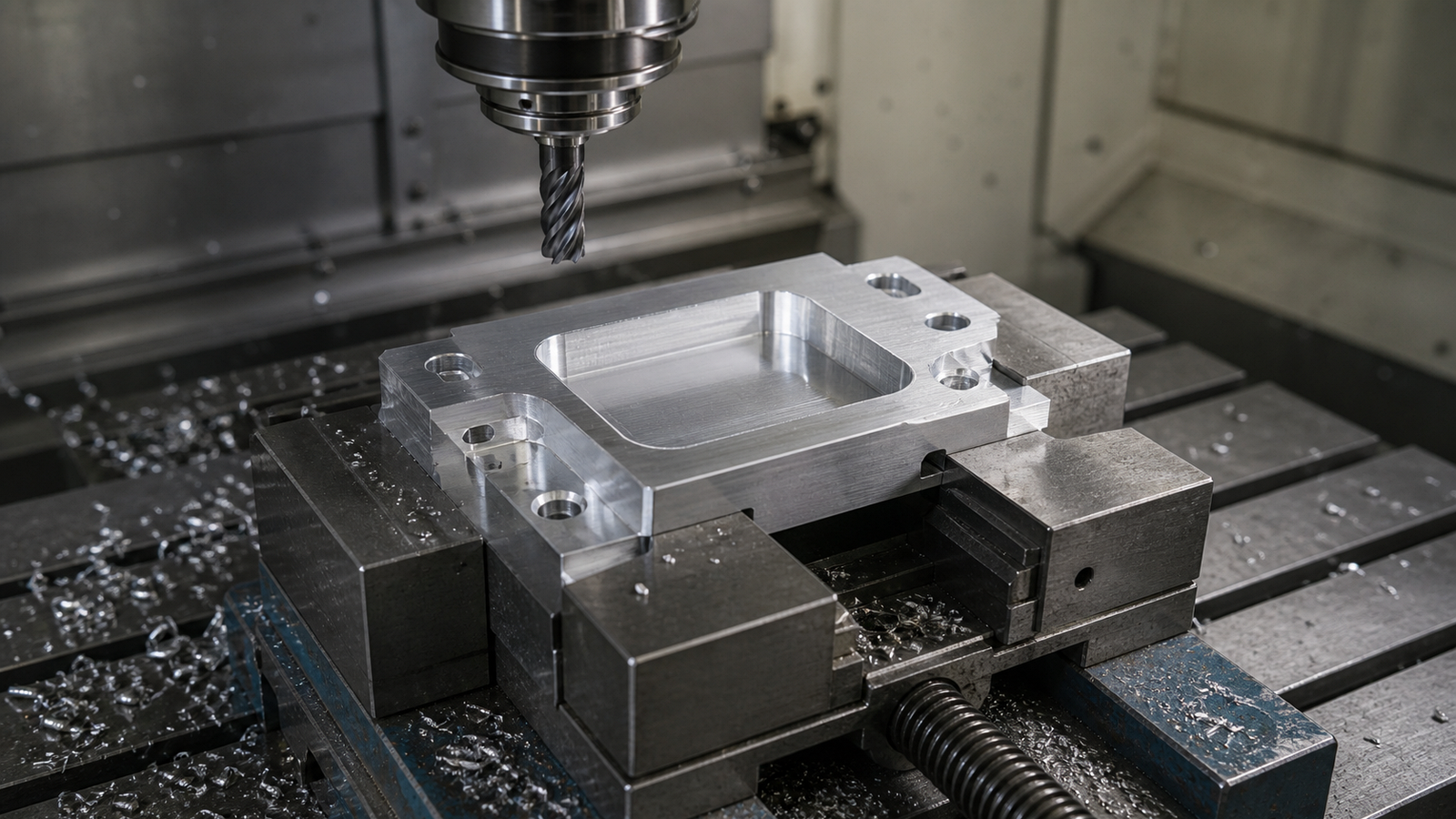
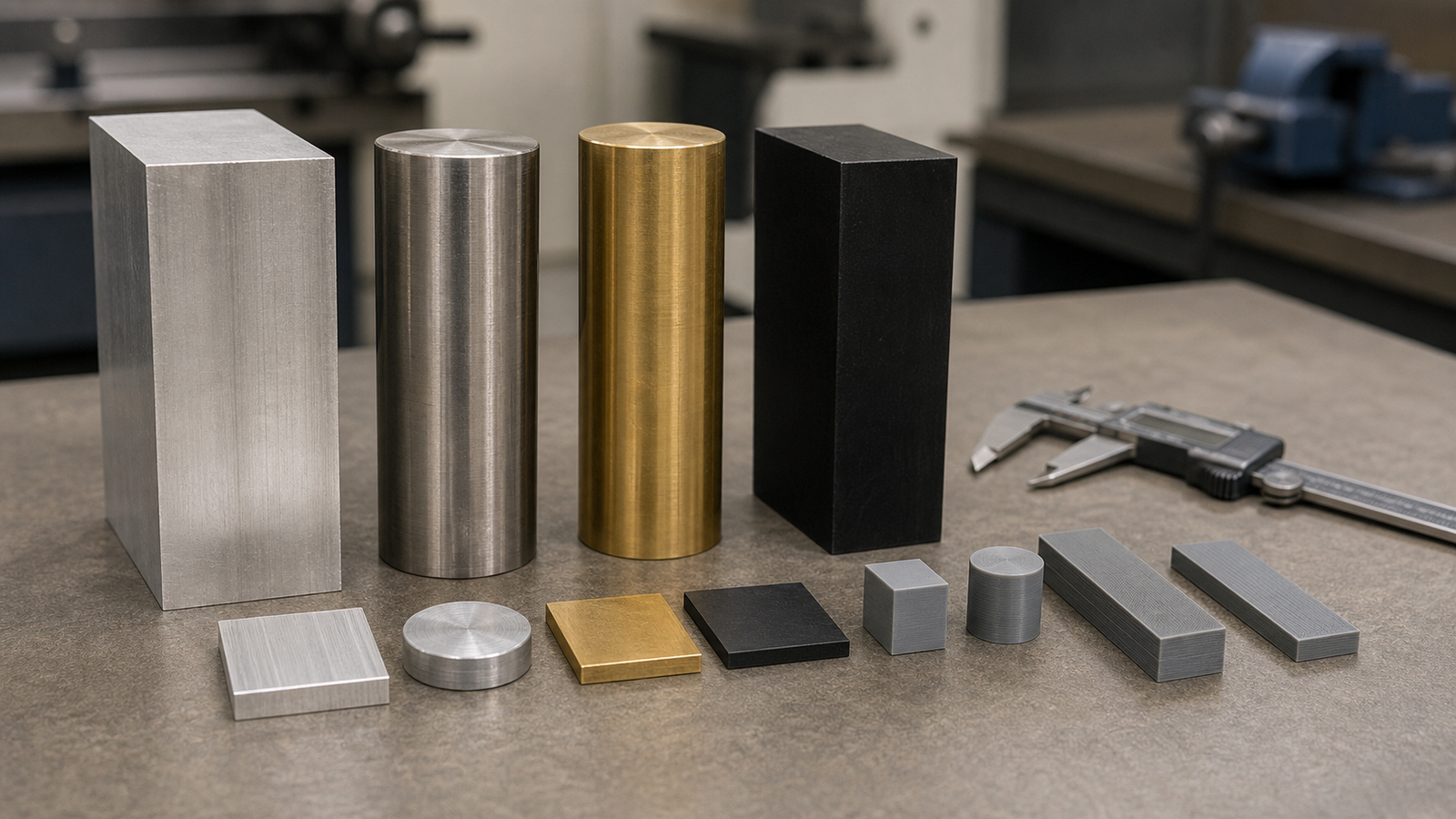
CNC machining wins on material variety. You can machine almost any metal or engineering plastic. The material properties match the raw stock exactly.
3D printing offers fewer choices. Printed parts often have different properties than the same material in solid form. Layer bonding creates weak points.
| Material Type | CNC Machining | 3D Printing |
|---|---|---|
| Aluminum | Full range (6061, 7075, etc.) | AlSi10Mg powder only (DMLS) |
| Steel | Full range (303, 304, 316, 4140) | 316L, 17-4PH powder (DMLS) |
| Titanium | Grade 2, Grade 5, Grade 23 | Ti-6Al-4V powder (DMLS) |
| Plastics | Delrin, PEEK, Ultem, nylon, PTFE | Nylon (SLS), ABS, PLA (FDM) |
| Brass & Copper | Full range | Very limited |
A CNC-machined aluminum part has the same strength as the raw billet. A 3D-printed aluminum part (DMLS) may have 10-20% lower strength due to porosity.
Tolerances and Surface Finish
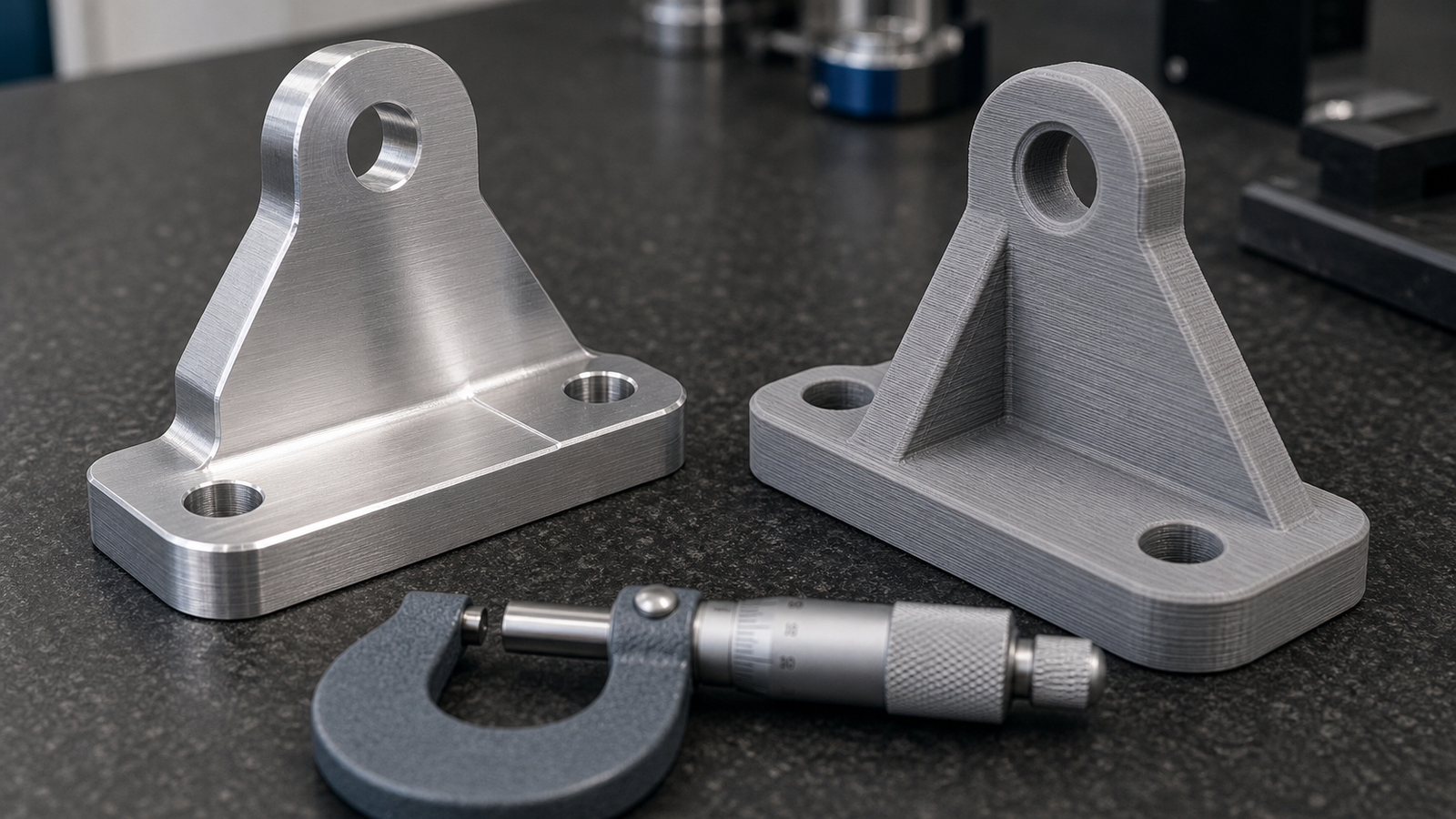
CNC machining delivers tighter tolerances and smoother finishes. This matters for parts that mate with other components or need sealing surfaces.
| Factor | CNC Machining | 3D Printing (FDM) | 3D Printing (DMLS) |
|---|---|---|---|
| Tolerance | +/-0.001" | +/-0.010" | +/-0.005" |
| Surface Finish | 16 - 32 Ra | 200 - 400 Ra | 150 - 300 Ra |
| Min. Wall | 0.020" (metals) | 0.030" | 0.016" |
| Min. Feature | 0.020" | 0.030" | 0.008" |
3D printed parts often need post-processing. Sanding, bead blasting, or CNC finishing adds cost and time.
Cost at Different Volumes
3D printing has no tooling cost. Upload a file and print. This makes it cheap for one or two parts. But the cost per part stays flat as volume grows.
CNC machining has setup costs. But once set up, each part is fast and cheap. CNC wins on cost at higher volumes.
| Volume | CNC Cost/Part | 3D Print Cost/Part | Winner |
|---|---|---|---|
| 1 part | $150 - $500 | $50 - $200 | 3D Printing |
| 10 parts | $80 - $250 | $50 - $200 | Depends |
| 100 parts | $30 - $100 | $50 - $200 | CNC Machining |
| 1,000+ parts | $10 - $50 | $50 - $200 | CNC Machining |
The break-even point is usually around 10-25 parts. Below that, 3D printing is often cheaper. Above that, CNC pulls ahead fast.
Speed Comparison
For a single prototype, 3D printing is often faster. You can print overnight. CNC requires programming, setup and machining time.
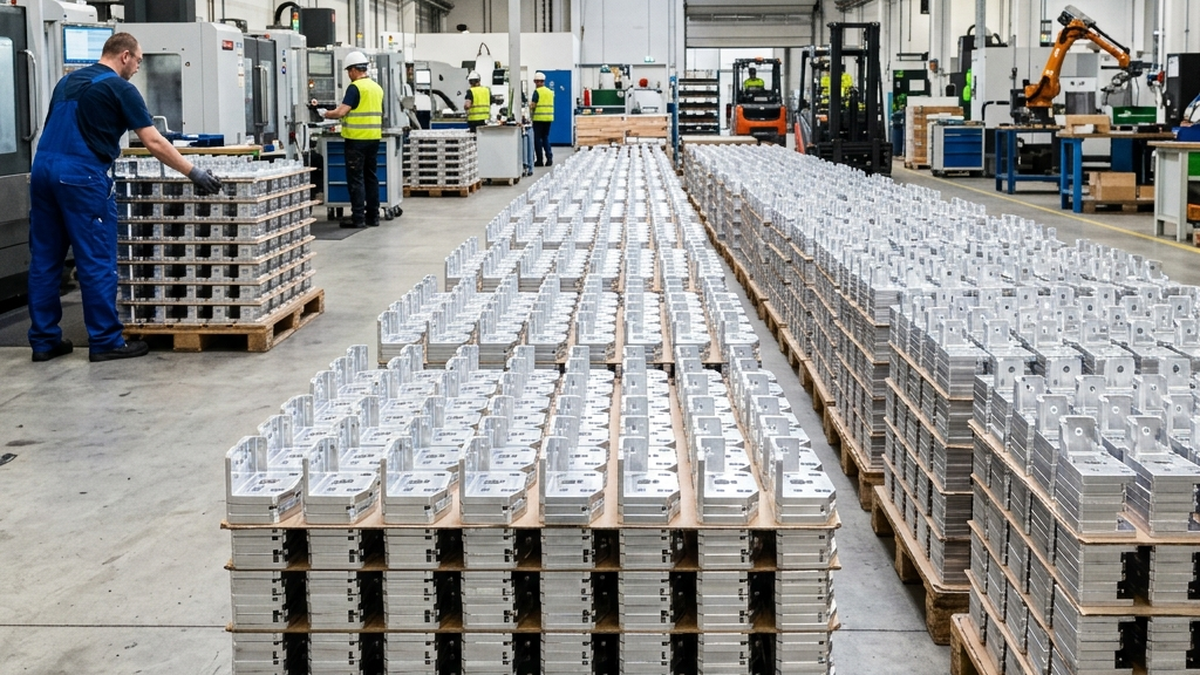
For batches, CNC is faster. A CNC machine cranks out parts in minutes once set up. 3D printers run at the same speed regardless of batch size.
| Scenario | CNC Lead Time | 3D Print Lead Time |
|---|---|---|
| Single prototype | 3 - 5 days | 1 - 3 days |
| 10 parts | 5 - 7 days | 5 - 10 days |
| 100 parts | 7 - 14 days | 14 - 30 days |
When to Use Each Process
Choose CNC Machining When You Need:
- Tight tolerances (+/-0.005" or better)
- Smooth surface finishes for sealing or aesthetics
- Full-strength metal parts
- Production volumes above 10-25 parts
- Specific metal alloys (brass, copper, tool steel)
Choose 3D Printing When You Need:
- One or two quick concept models
- Complex internal channels CNC cannot reach
- Organic shapes that would waste material on CNC
- Fast turnaround on a single prototype
- Parts where tolerances above +/-0.010" are fine
Many projects use both. Print a prototype to test the design. Then machine the production parts. This gives you speed early and quality at scale.
Need help deciding? Upload your CAD file to RivCut and we will recommend the best process. We offer both rapid prototyping and production machining.
Frequently Asked Questions
Is CNC machining better than 3D printing?
Neither is universally better. CNC wins on tolerances, surface finish and material strength. 3D printing wins on complex geometry and single-part speed.
What is cheaper, CNC or 3D printing?
For 1-10 parts, 3D printing is usually cheaper. For 25+ parts, CNC machining is almost always cheaper per unit.
Can 3D printed parts replace CNC machined parts?
Sometimes. For non-structural, low-tolerance parts, 3D printing works fine. For load-bearing or precision parts, CNC is the safer choice.
Which is faster for prototypes?
3D printing is usually faster for a single prototype. CNC prototypes take 3-5 days at most shops.
Can you combine CNC and 3D printing?
Yes. Many teams print a prototype to test fit, then CNC machine the final parts for strength and accuracy.